49
Sorting the Contents of your Library
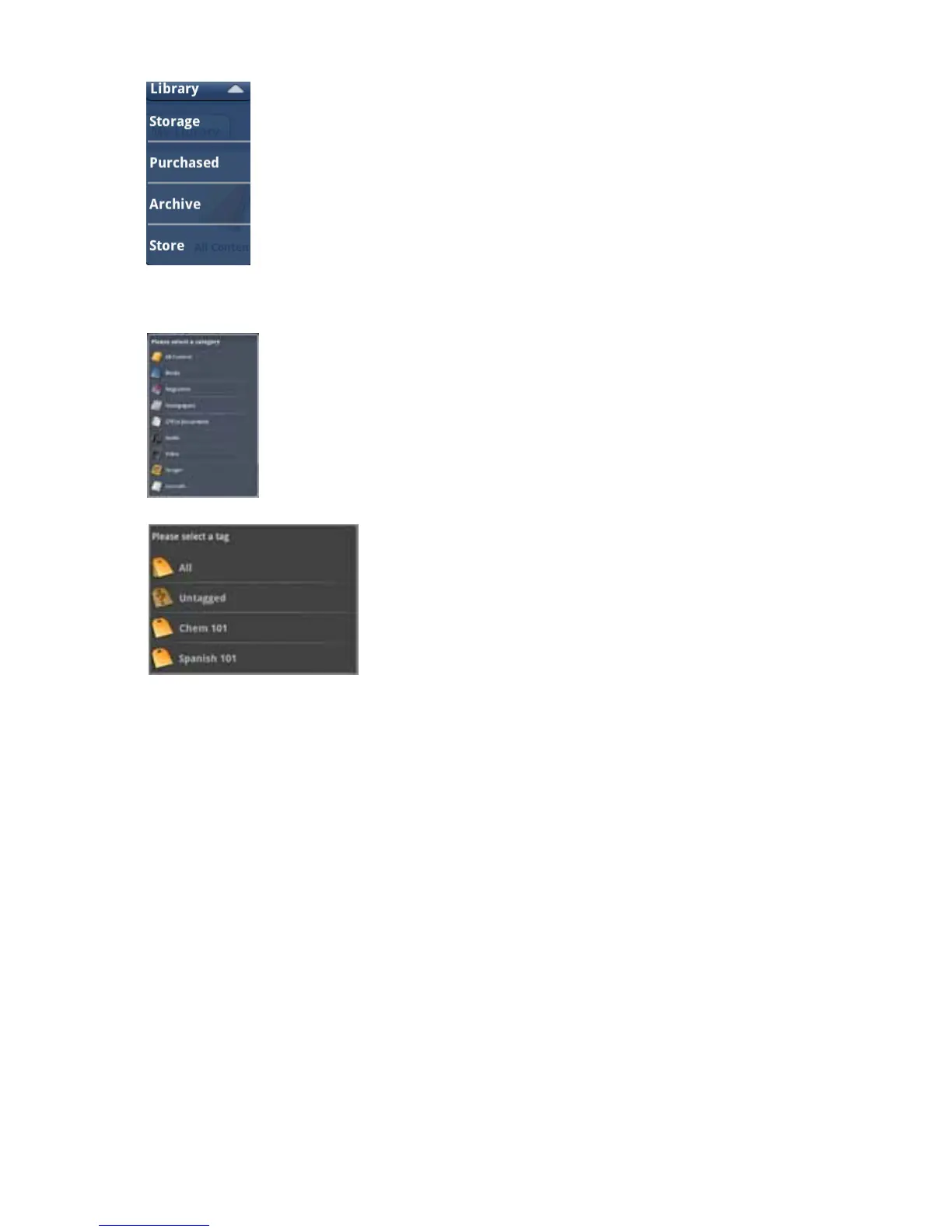
The Library screen has several pulldown menus: the content location, the content type, and the tag pulldown menu.
1.
SortbyStoragelocationbyselectingthetoprightpulldown(Library).YoucanselectStoragetoviewaUSBash
drive, SD card, or internal storage. Select Purchased to view content you have purchased from the enTourage eDGe
bookstore. Select Archive to view content you have archived on the enTourage Systems server.
2. Sort by Content type by pressing the right hand tab. You can choose All content, Books, Maga-
zines,Newspapers,Ofcedocuments,Audio,Video,Images,orJournals.
3. Sort by Tags by selecting the left hand tab. The screen will list the tags you
have created for your content. Press the tag name to open a list of contents with that tag. See Using Tags if you want
tolearnhowtocreatetagsandassignthemtoles.
Return to Contents



 To Next Page