EM1 and EM2 Card Printer Installation and Administrator’s Guide 3
Site Requirements
Set up and use the printer in an environment that meets the following requirements.
Use a single-phase, 3-wire, grounded receptacle.
Place the system and its supplies in a clean office environment, keeping paper and foreign
materials off of the equipment.
Place the printer on a sturdy, level surface.
Place the printer away from direct sunlight.
Do not place the printer near heating ducts, fans, or other air vents.
Do not use the printer for purposes other than the intended use.
Provide space for the printer and for clearance around the printer. The printer dimensions
and clearance area are shown in the following sections.
Printer Dimensions
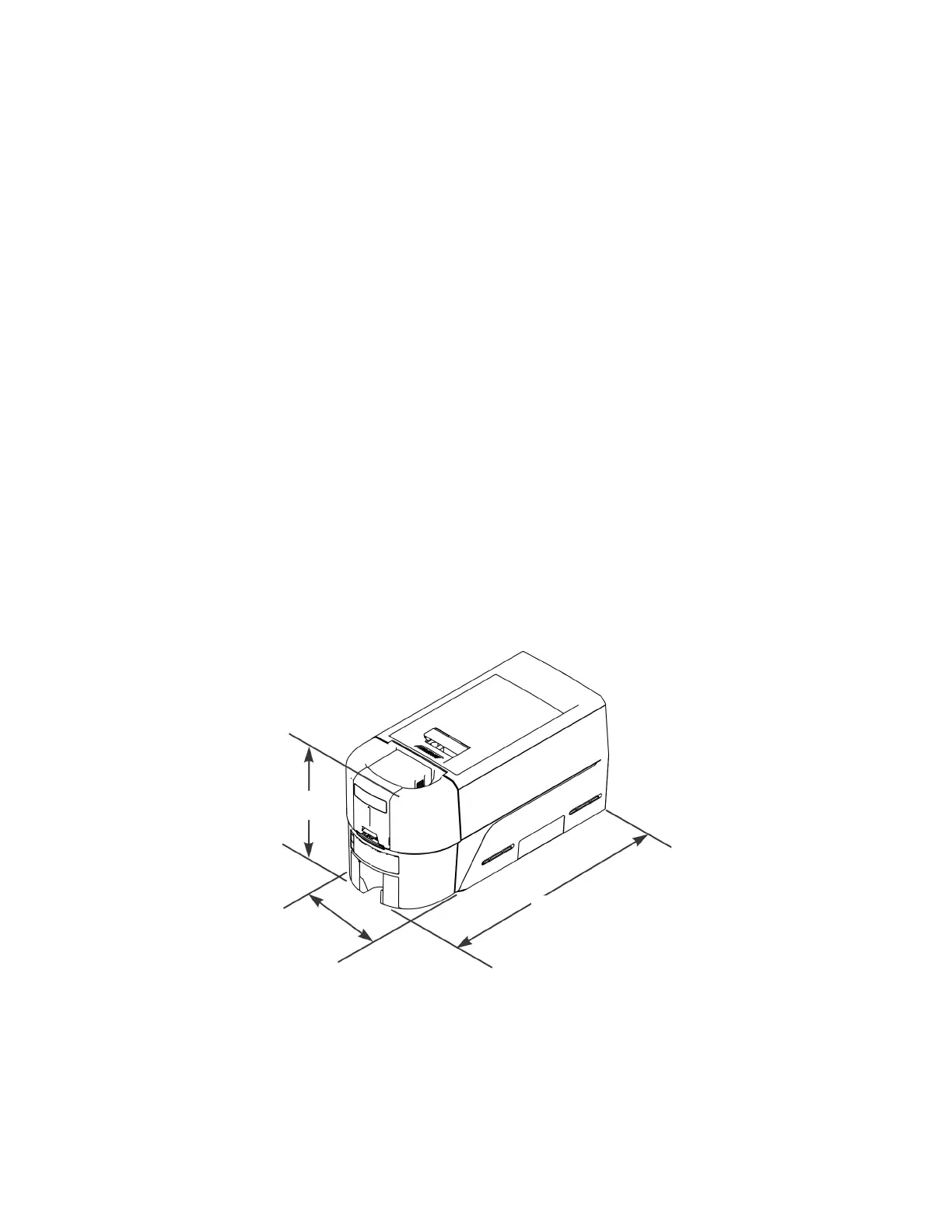
The external printer dimensions are shown in the following illustrations.
Single-Hopper Printer
17.4 in
442 mm
9.0 in
229 mm
8.9 in
226 mm



 To Next Page