EM1 and EM2 Card Printer Installation and Administrator’s Guide 39
Monochrome Print Ribbon
A monochrome ribbon prints the entire card in one color.
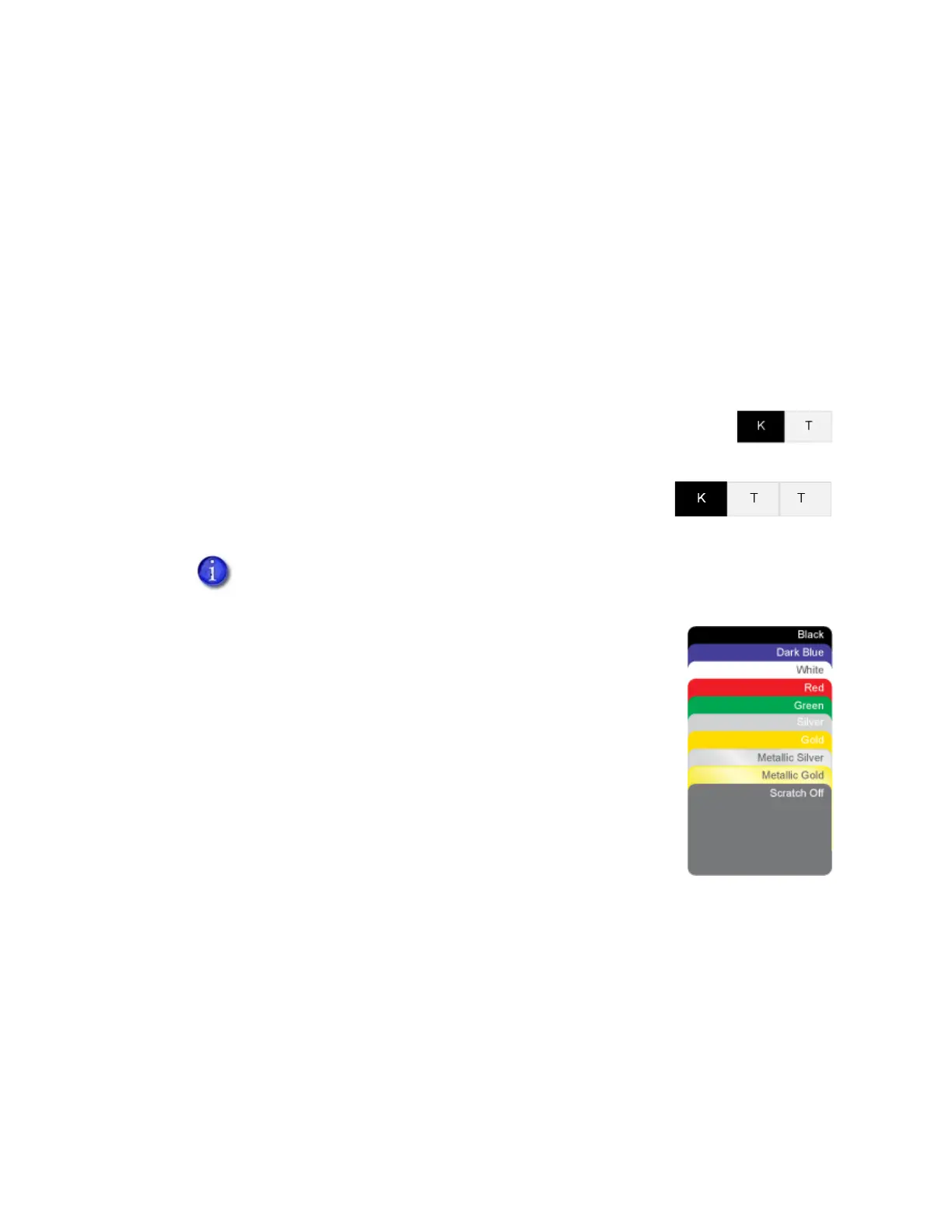
Monochrome ribbon can be:
Alternating black and topcoat panels (KT or KTT ribbon)
Continuous black (K ribbon)
A continuous color, such as red or silver
Monochrome Print Ribbon Kits
The following monochrome print ribbon kits are available:
Alternating black and topcoat panels (KT ribbon)
Black with two topcoat panels (KTT ribbon)
The printer applies black and two topcoat panels on the same side
of the card.
Continuous black (K ribbon), up to 1500 images per ribbon
Continuous dark blue, up to 1500 images per ribbon
Continuous white, up to 1500 images per ribbon
Continuous red, up to 1500 images per ribbon
Continuous green, up to 1500 images per ribbon
Continuous silver, up to 1500 images per ribbon
Continuous gold, up to 1500 images per ribbon
Continuous silver metallic, up to 1500 images per ribbon
Continuous gold metallic, up to 1500 images per ribbon
Continuous scratch-off, up to 1500 images per ribbon
Ribbon Saver
A roll of certified monochrome ribbon enables the Ribbon Saver feature in the printer. Ribbon
Saver can increase the number of cards printed with each roll of ribbon because only the printed
portion of the ribbon is used. Excess ribbon is not advanced, reducing waste.
The KTT ribbon type is not supported in OpenCard-enabled systems. It uses only
one T panel, instead of both.
KT Ribbon
KTT Ribbon



 To Next Page