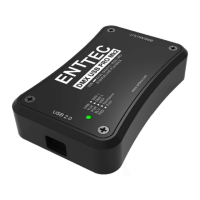
Installing PRO Mk2
Installing Driver
The PRO Mk2 is supported by drivers for the following Operating Systems:
• Windows XP, Windows Server 2003, Windows Vista, Windows Server 2008,
Windows 7, Windows Server 2008 R2. (32 bit and 64 bit versions)
• Mac OS X (Mac OS X 10.4 (Tiger) or later )
• Linux
• Free BSD
This manual will cover the Windows 7™ installation process, by way of example. Others will
be similar, but the particulars of how each operating system works in terms of screen shots
have been omitted for brevity.
Before plugging in your PRO Mk2 to your computer, please install the driver.
To do this, you need the driver setup file, which is available from :
• the CD which came in the package, or
• download the latest driver direct from the ENTTEC website
(www.enttec.com/promk2)
• for latest drivers and OS support, please check ftdi website
(http://www.ftdichip.com/Drivers/D2XX.htm)
14


 To Next Page