Standalone Mode
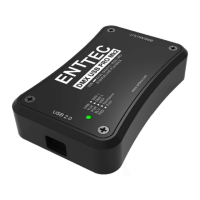
Standalone mode allows you to record and playback a DMX sequence or show via DMX
input onto PRO Mk2 Memory. The duration of the recording depends on the Standalone
configuration done before the recording. The recorder is smart enough to only record the
changing frames, so as to accommodate as many frames as possible.
Click on “Read Memory” to access Standalone configuration. You can change the following
values that will affect how the DMX is recorded:
Show Name
Name to identify the show being recorded
DMX Channels
No. of channels to record per DMX Frame
Loop Count
Total times the show is played back (from 1 to Forever)
Loop Delay
Delay in no. of seconds, between each Loop playback
DMX Output Port
The Port to play the show on. Can only select one
Play on powerup
If selected as “Yes”, recorded show plays on powerup
24


 To Next Page