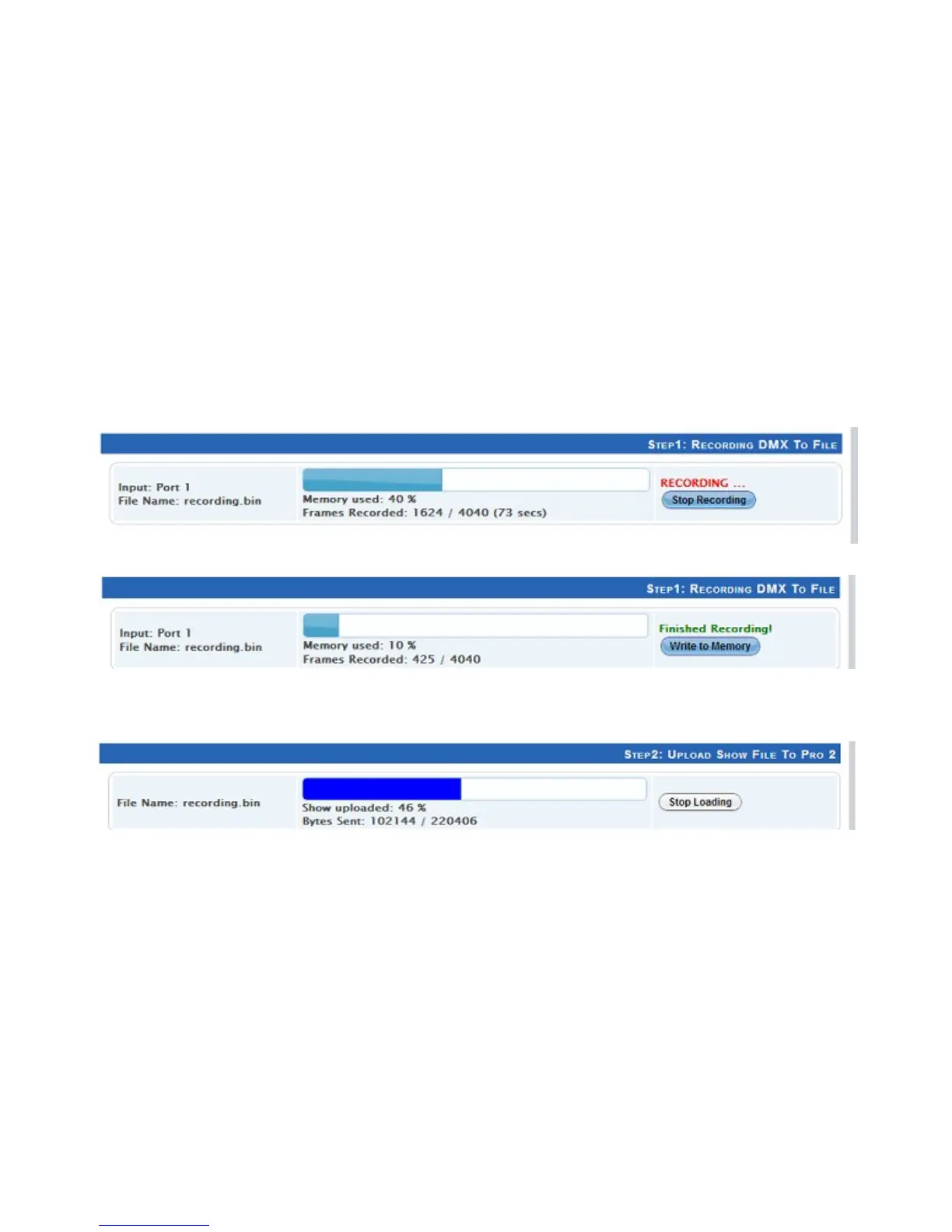
Once the configuration is set, you can select the input port and click on “Record DMX” to
start DMX recording. The recording is saved onto a file, and is only transferred to the PRO
Mk2 memory when recording is stopped using the “Stop Recording” button.
The recording can now be transferred to memory using “Write to Memory” button.
Let the upload to memory finish, the upload progress is shown as it happens.
25


 To Next Page