Setting up PRO Mk2
Selecting a COM port
In most cases the USB port you plug the PRO Mk2 into will automatically fall into an
acceptable range with respect to the other elements of your computer’s communications
ports, but if you are having problems or conflicts between the ports, here is what you can do
to change the COM port. Before making any changes. it is advisable to keep a record of
which serial port has been used in each attempt to configure the hardware and drivers. That
way you will be able to retrace your steps should you decide to go back and try something
again but with different settings elsewhere.
Device Manager
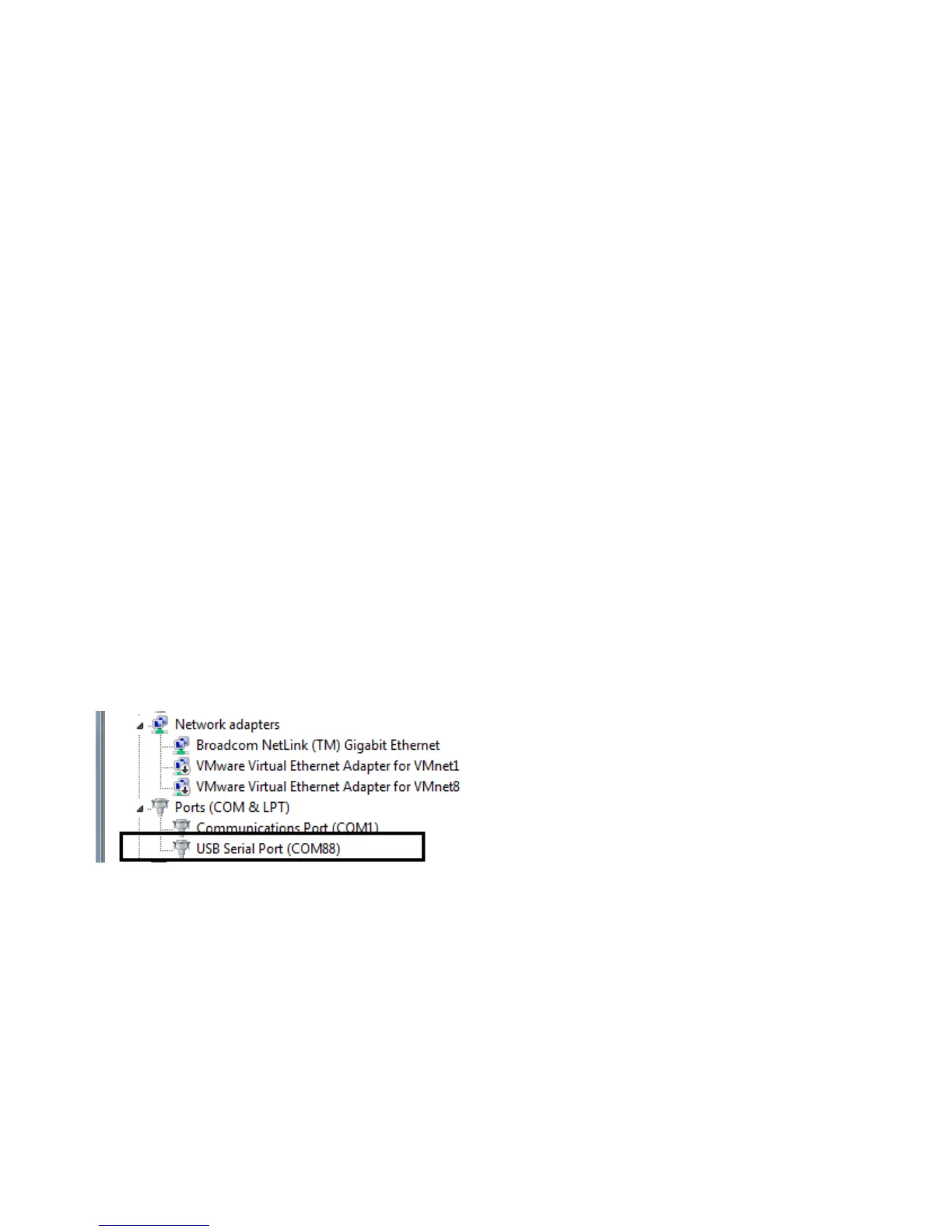
Open Device Manager on your Windows machine. (Control Panel → Device Manager)
Expand the “Ports” section, and identify the PRO Mk2 Port, which usually is “USB Serial
Port”
Right click on it and select Properties.
This will bring up a box where you can
change communications settings for the
port.
19


 To Next Page