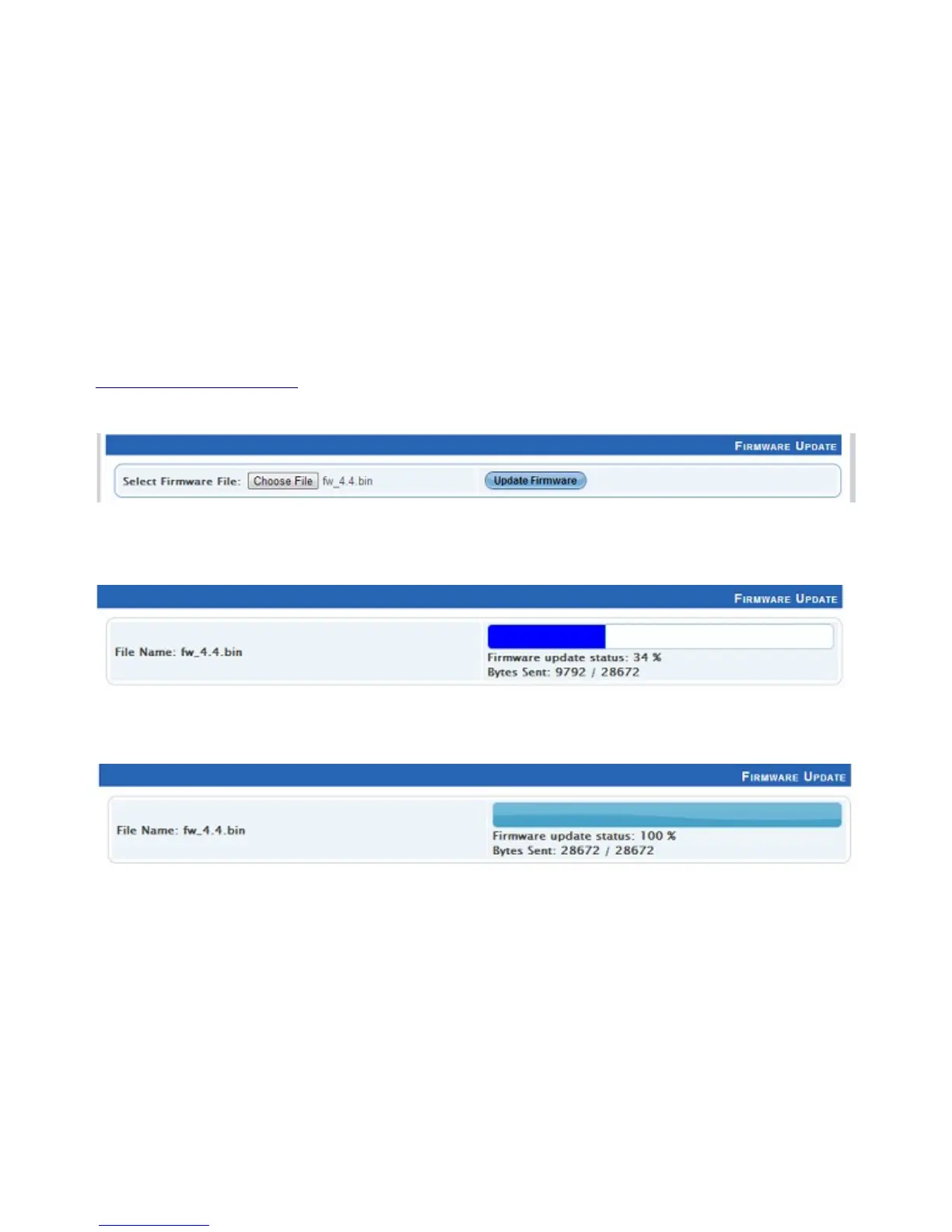
Firmware Update
Use the firmware file meant for PRO Mk2 (available on the website;
www.enttec.com/promk2), and upload it using the upload button (“Choose File” - as per
Chrome browser).
After selecting the correct file, click on the Update Firmware button and let the update
proceed.
Once Finished, the page will automatically refresh, and device information will be updated to
reflect the updated firmware.
23


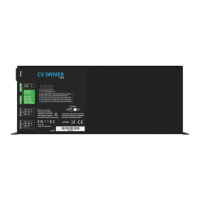
 To Next Page