26
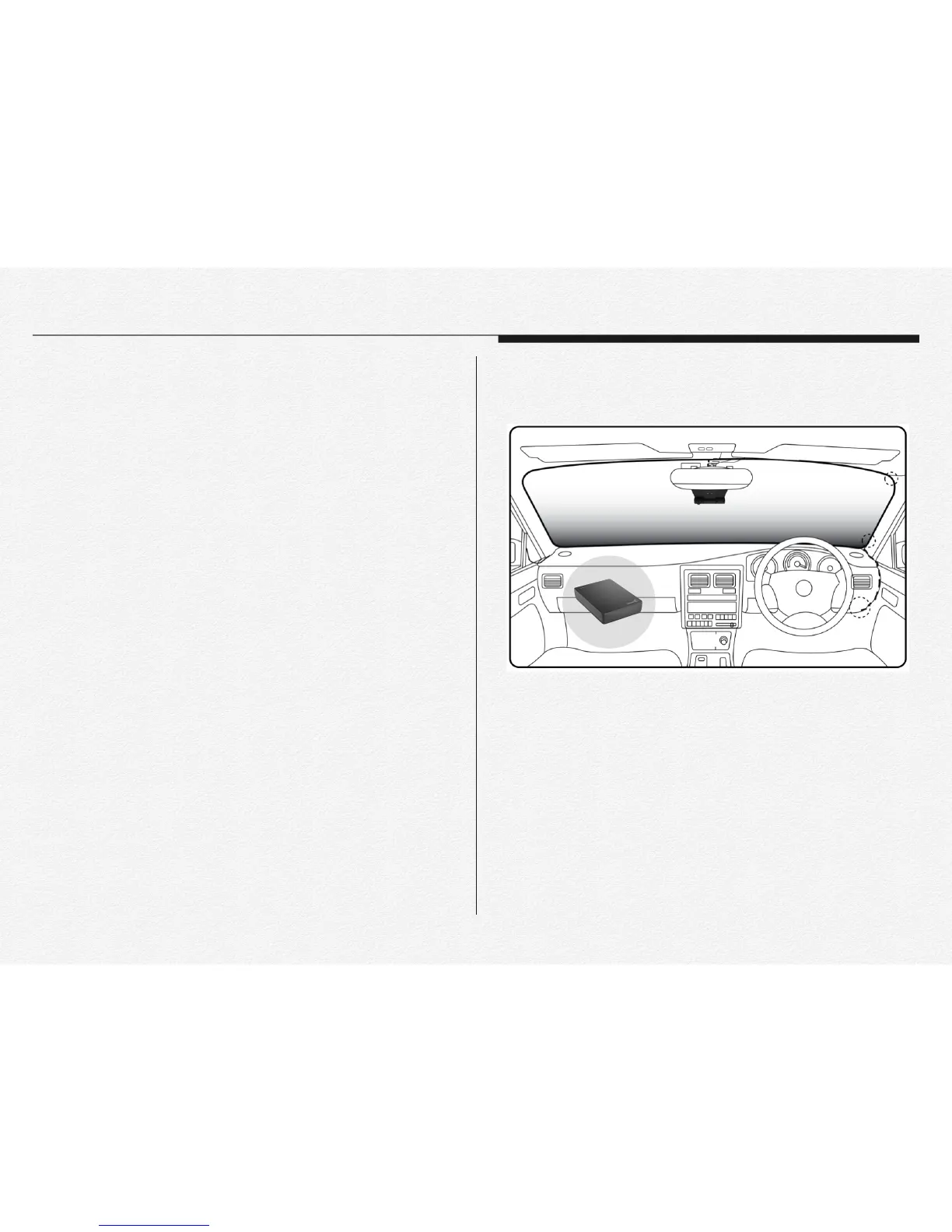
* The NDVR is able to save all the data to external memory
device instead of micro SD card as like SSD/HDD even flash
memory stick via micro SD or USB port use.
* The port USB and micro USB is supply power DC 5V to
external device and this port’s speed is USB 2.0 type.
* When connect external device via micro USB or USB then the
NDVR will not be saved the data to micro SD memory.
* If connect external device while recording to micro SD card
then the NDVR will start data backup to external device from
micro SD card as setup order. After completed backup tasking
then the NDVR will start recording automatically.(➤ Page 83-
Setup configuration)
Section 6
Connect external memory
USB / microUSB cable connection


 To Next Page