48
Manual Event Recording
This enhanced feature enables an additional method for
triggering Event Alarm Video for a specific incident to be
recorded for quick, future review. And
built-in LED status light will indicate the
system is functioning properly.
SOS Panic Button Recording(Extra)
The driver is able to creative ‘Emergency Video’ file save by
Panic button(Hidden button) push. The video file will be stored
‘EMERGENCY’ folder total 30 seconds.(before event 15 sec.
and after 15 sec.) And If the NDVR has connected network then
SOS signal will be transmitted to Administrator.
Excessive Speed Trigger
Combined with the GPS, the NDVR can be stored speed event
alarm video when the vehicle exceeds a preset speed.
Motion Detection - Sleep mode
Under motion detective when it entering sleep mode(park
mode) the NDVR will automatically start recording when any
object movement is detected. The NDVR can be setup to enter
‘Sleep mode’ when the vehicle is parked for conserve memory
space.The built in motion sensor will cause the NDVR to
resume ‘Park event’ recording if motion is detected.
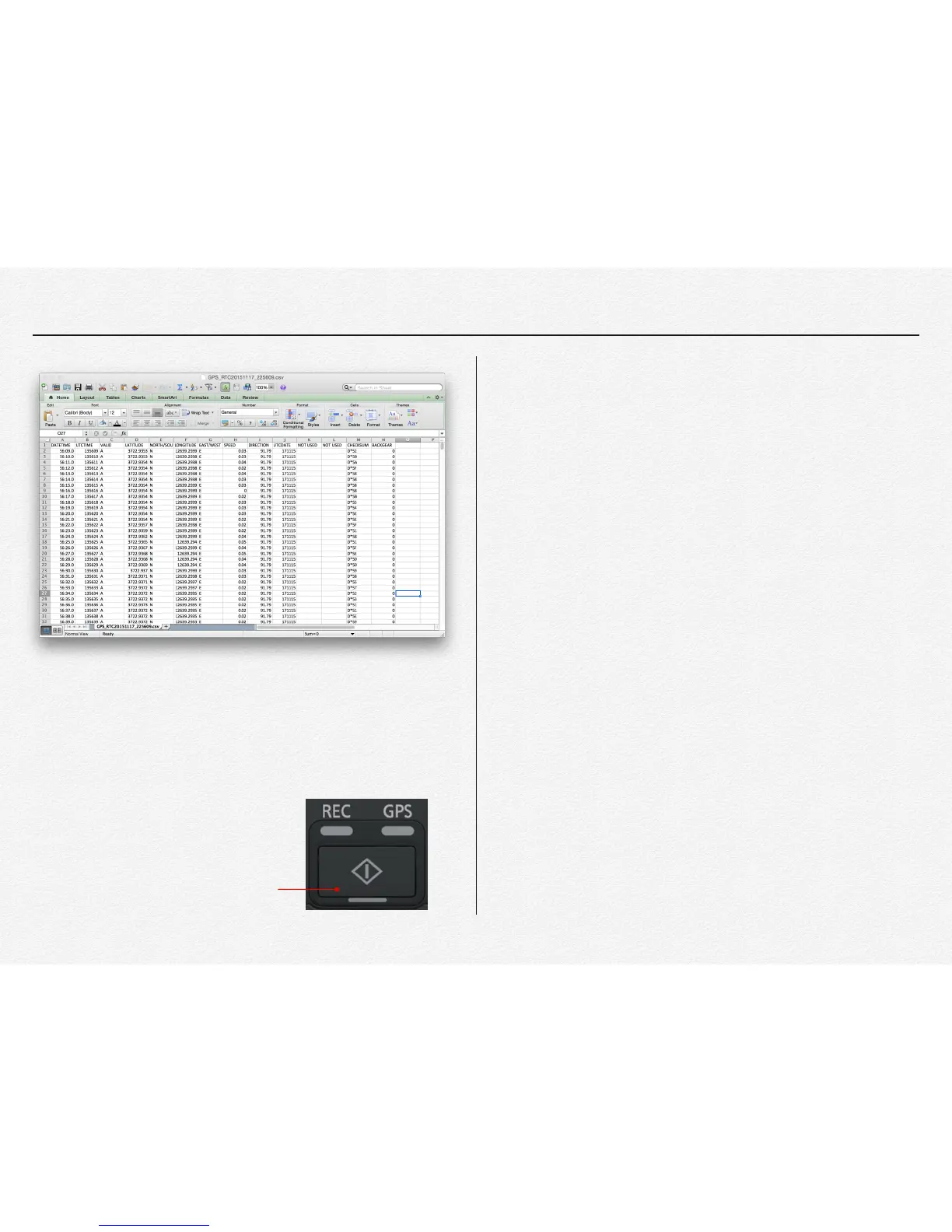
GPS log file
Manual Event Recording Button
☑ Sleep mode is not recording and save any video file instead of
monitoring object movement. It will be saved ‘PARK’ event video file total
30 seconds( before event 15 sec. and after 15 sec.) when it detected any
object movement and back to the sleep mode again in automatically.



 To Next Page