40
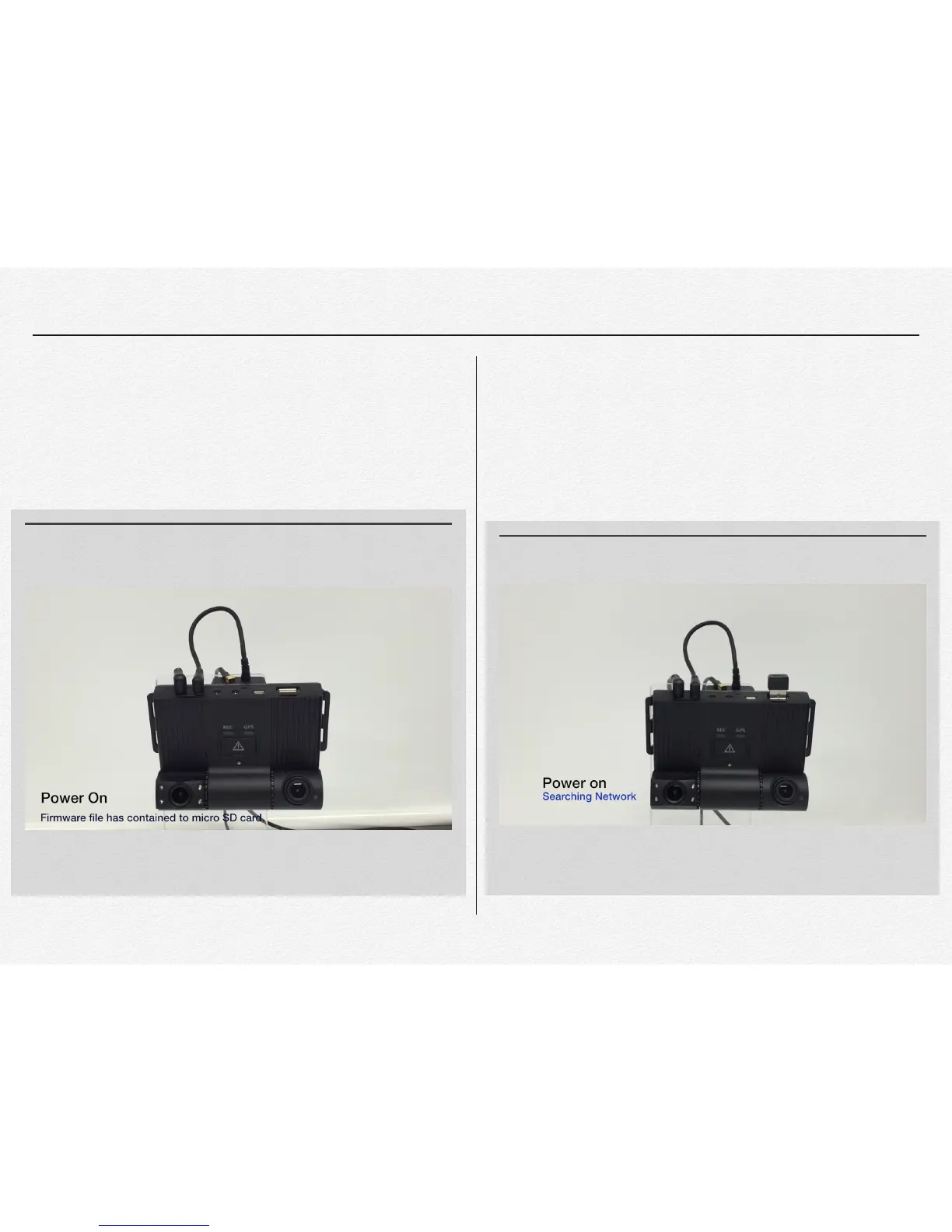
Firmware update
After completed firmware update then the NDVR will reboot
system and start recording in automatically.
Remote download Firmware(OTA)
After download firmware via wireless network then the NDVR
will update and reboot in automatically. This OTA function is
based on FMS Network service approved.(Option) Please
contact to your distributor to use OTA function and FMS
service.
MOVIE 5.3 LED state of Firmware update
The NDVR is keep recording and save the video data while OTA firmware
downloading.
MOVIE 5.4 LED state of OTA firmware downloading


 To Next Page