81
* Day Light Saving Time: Enable / Disable Daylight Savings
Time."
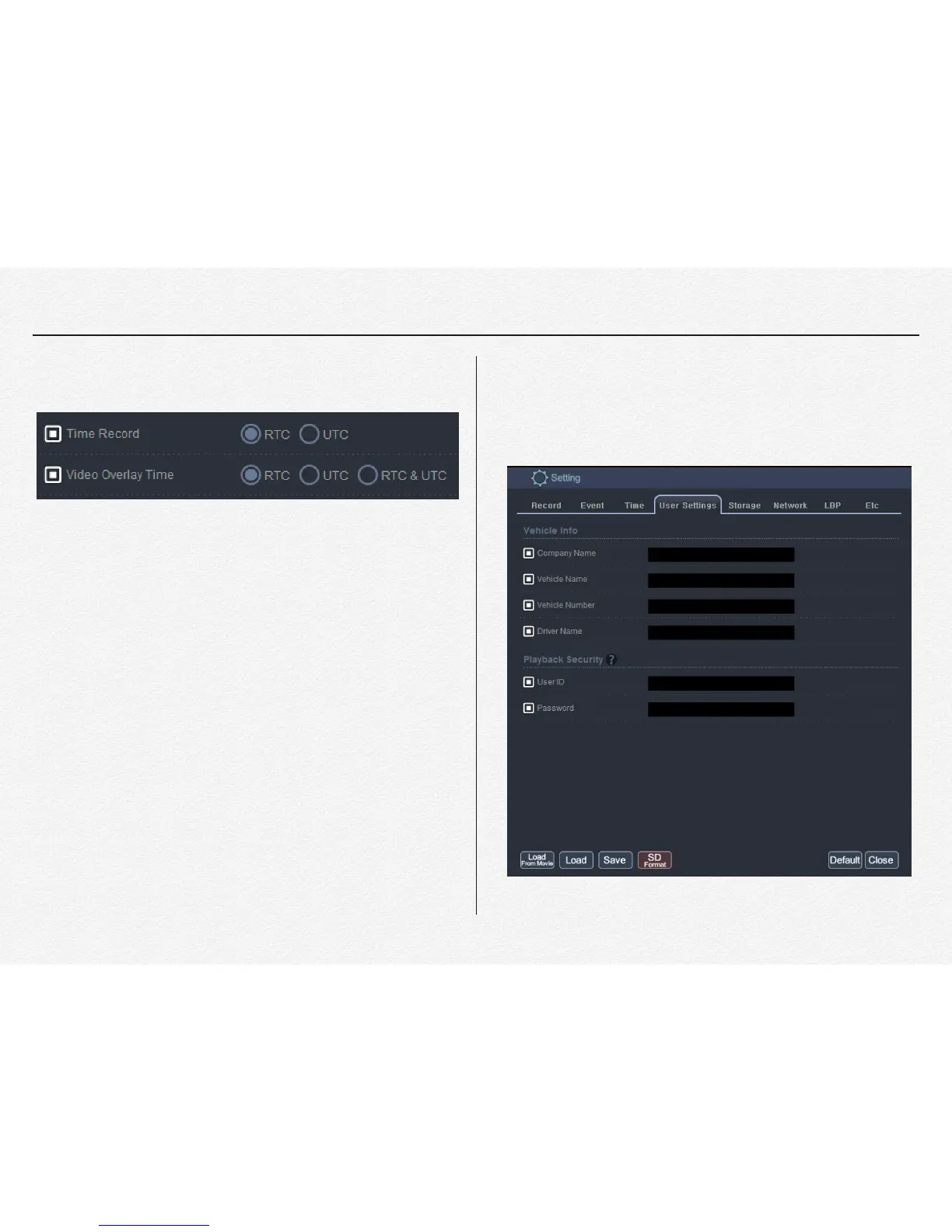
* Time Record: All video and data files are saved in this
format. To use local time, select ‘RTC’"
"
/RTC: Regional Time in Current"
/UTC: Coordinated Universal Time"
/RTC = UTC + Offset Time(GMT)"
"
"
"
"
"
"
"
"
"
"
User Settings
This ‘USER SETTINGS’ tap is able to setup driving information
and it will be displayed to video overlay and driving report.


 To Next Page