43
Video resolution as channel selection.
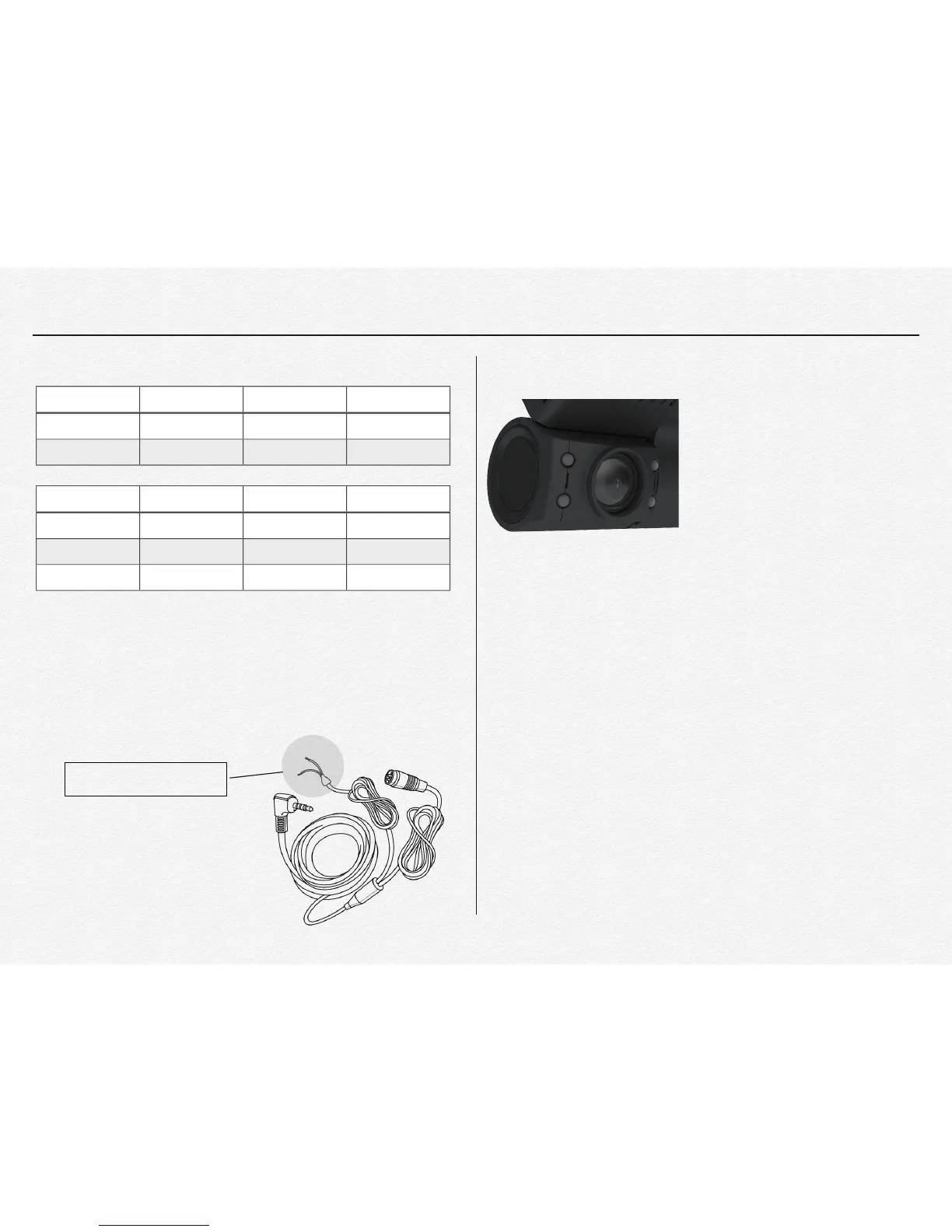
Back-up gear signal cable
When connect the back-up gear signal cable to back-up light or
back-up shift terminal then the NDVR will mirror 3rd camera’s
live view to video monitor.
IR Recording
Providing a brighter video and
picture, wider view, and longer
range in low-light situations, the
NDVR cameras use the latest
night vision technology to surpass
expectations for quality video even
in the dark.
In-Cabin camera with 4(four) IR_LED are automatically turns
ON and OFF according to surrounding luminance. If closer
object in front of In-cabin lens then IR LED lamps will turn and
off repeat, this is normal and is not a malfunction.
Cycle Recording
During normal operate the video files are saved in 60 second
intervals. If the capacity of the micro SDHC card runs short, the
files will be overwritten from the oldest to newest.
EMERGENCY files will not be overwritten. (factory default). It is
able to be changed configuration via PC manager setting.
Back-up gear signal wire.
⚠ Do not connect the back-up
gear signal wire to any power
output port. It may cause
product failure.


 To Next Page