34
Section 2
How to fit the power loom
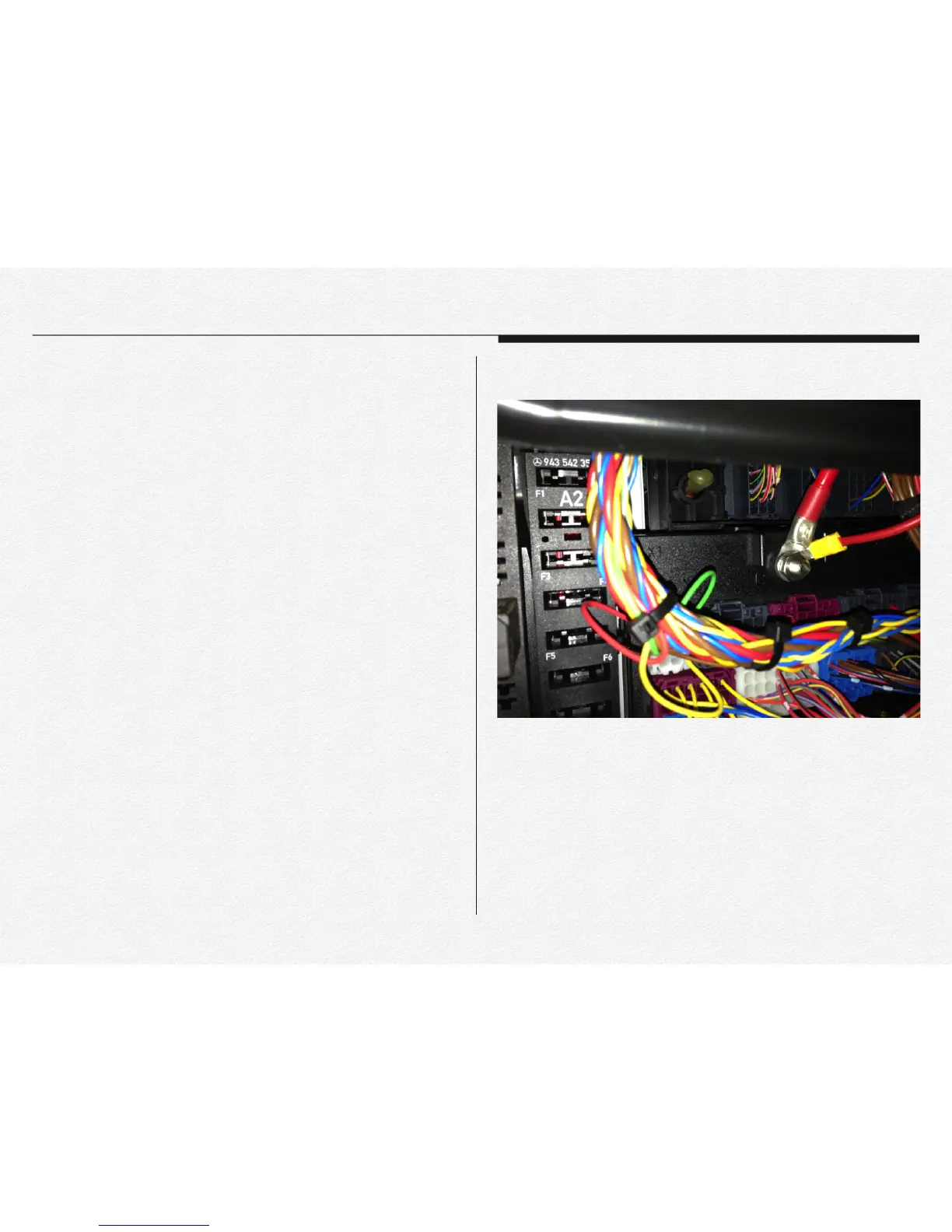
1) The NDVR is compatible DC8V~32V. The included DC fuse
power cable can be connected directly to the
battery(permanent power connection for recording 24/7) or to
the ignition (the device will record only when the vehicle is on).
2) The power loom consists of a battery + and an Earth
connection. The red wire will be battery + and the black wire
will be the earth connection and white wire will be the
ignition(ACC) connection.
3) Please remember that all connections must be within the
tracking unit specs as per industry related connections.
4) Run the cable (power loom) via the A pillar into the roof lining
and let it meet up close to the main unit.
5) Plug the loom into the main unit and then give it a bit of slack
so that there is no tension on the power loom or the plug area
of the unit.
6) Use the management clip to tie up the cable and make if look
neat so that the cable on’t hang loose. Stick them to the
windscreen and cable tie the cable to the management clip or
slide them in the opening slots."


 To Next Page