18
English
Controls and Functions
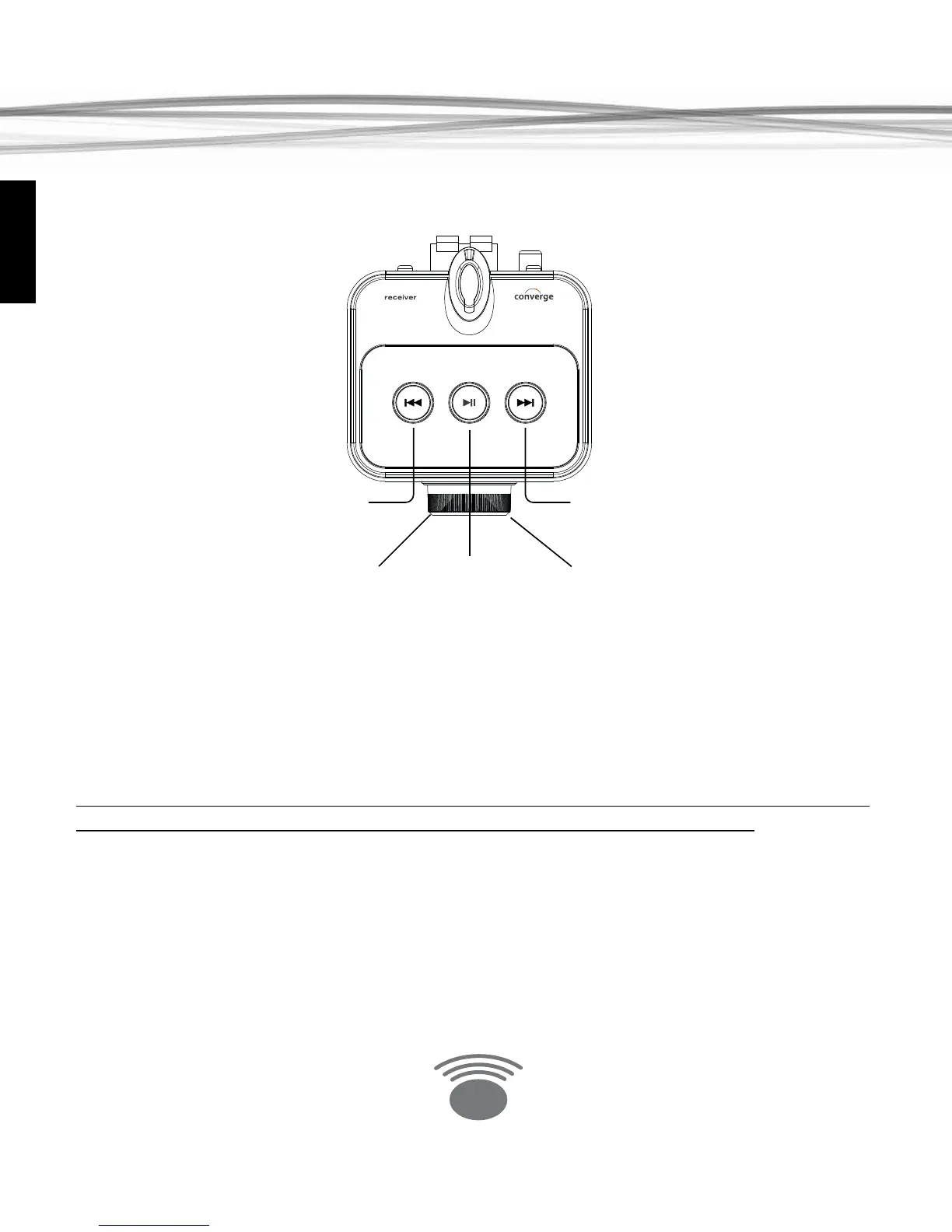
Power & Volume Control
To power on the Amplied Converge Wireless Receiver, press the volume knob. The ring around
the volume knob will illuminate as will the LED on the antenna mast.
Function Buttons
When the Eos Converge Transmitter is connected to a computer, you can use the buttons on
the Converge Wireless Receiver to control play/pause and track forward/back on iTunes and
many other computer based music player programs.
Note: feature buttons cannot be used to control an iPod or other device that is connected via
the AUX input; nor can they be used to control streaming Internet radio stations.
AUX IN jack
Use the 3.5mm stereo audio cable to connect an audio source directly to the amplier. Plug-
ging in a cable to this connector will automatically switch the source from the wireless input to
the AUX IN input.



 To Next Page