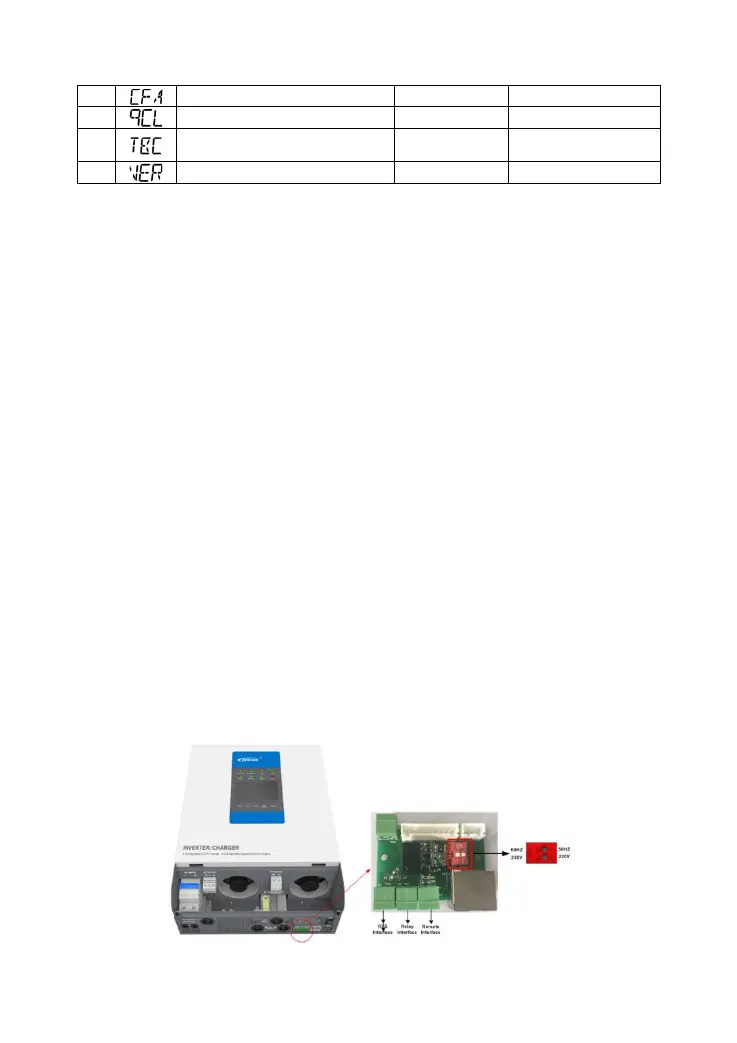
★The voltage parameter is at 25℃, 12V system, and twice in 24V system, quadruple in 48V
system.
The following rules must be observed when modifying the parameter values in User for
lead-acid battery.
Ⅰ. Over Voltage Disconnect Voltage > Charging Limit Voltage ≥ Equalize Charging Voltage ≥ Boost
Charging Voltage ≥ Float Charging Voltage > Boost Reconnect Charging Voltage.
Ⅱ. Over Voltage Disconnect Voltage > Over Voltage Reconnect Voltage
Ⅲ. Low Voltage Reconnect Voltage > Low Voltage Disconnect Voltage ≥ Discharging Limit Voltage.
Ⅳ. Under Voltage Warning Reconnect Voltage > Under Voltage Warning Voltage ≥ Discharging
Limit Voltage.
Ⅴ. Boost Reconnect Charging voltage >Low Voltage Reconnect Voltage.
◆For the inverter/charger of different power, the current setting range is not the same; see
Technical Parameters for details.
NOTE:
15/16:Stop/restore auxiliary module charging voltage
Only when the charging mode is Solar priority or Utility priority will the auxiliary module charging
voltage be effective.
20:Power saving mode
When the switch is on the "Saving" side, the inverter will enter into the Saving Mode. It will shut off
the output if the load value is less the 70W. Then restart and detect the power of the load again
after 10s. If the load is more than 70W, the inverter will turn on the output. Otherwise, it will shut off
output. It cycles like this. So please don't use the saving mode if the load is smaller than 70W.
21:Clear the faults
In a short circuit or overload caused to AC output, the fault can be cleared out.
3.5 Other function
1) Output voltage & frequency switch




 To Next Page