Artwork will also snap to guidelines while rotating.
Guideline Tips
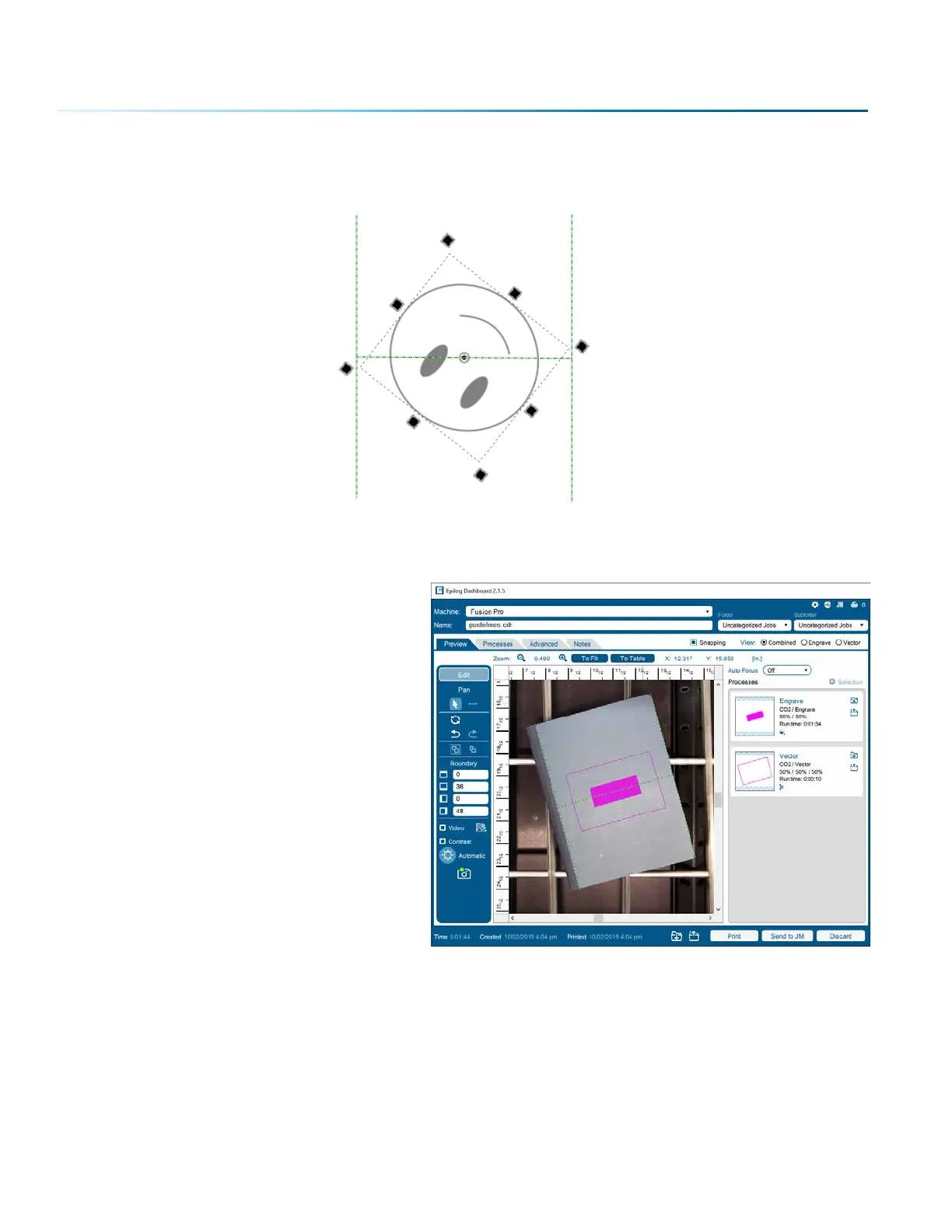
Moving and aligning objects to the center
point of your material:
1. Draw two guidelines along the vertical or
horizontal edges of your material.
2. Draw a guideline connecting the
midpoints of the two lines. Remember to
hold “Alt” to get the starting point of the
guideline to snap.
3. Move the artwork so that the center
of the artwork selection snaps to the
midpoint of the last guideline you drew.
4. Rotate the artwork until it snaps to the
guideline.
- 84 -
SECTION 5: THE LASER DASHBOARD


 To Next Page
 Loading...








