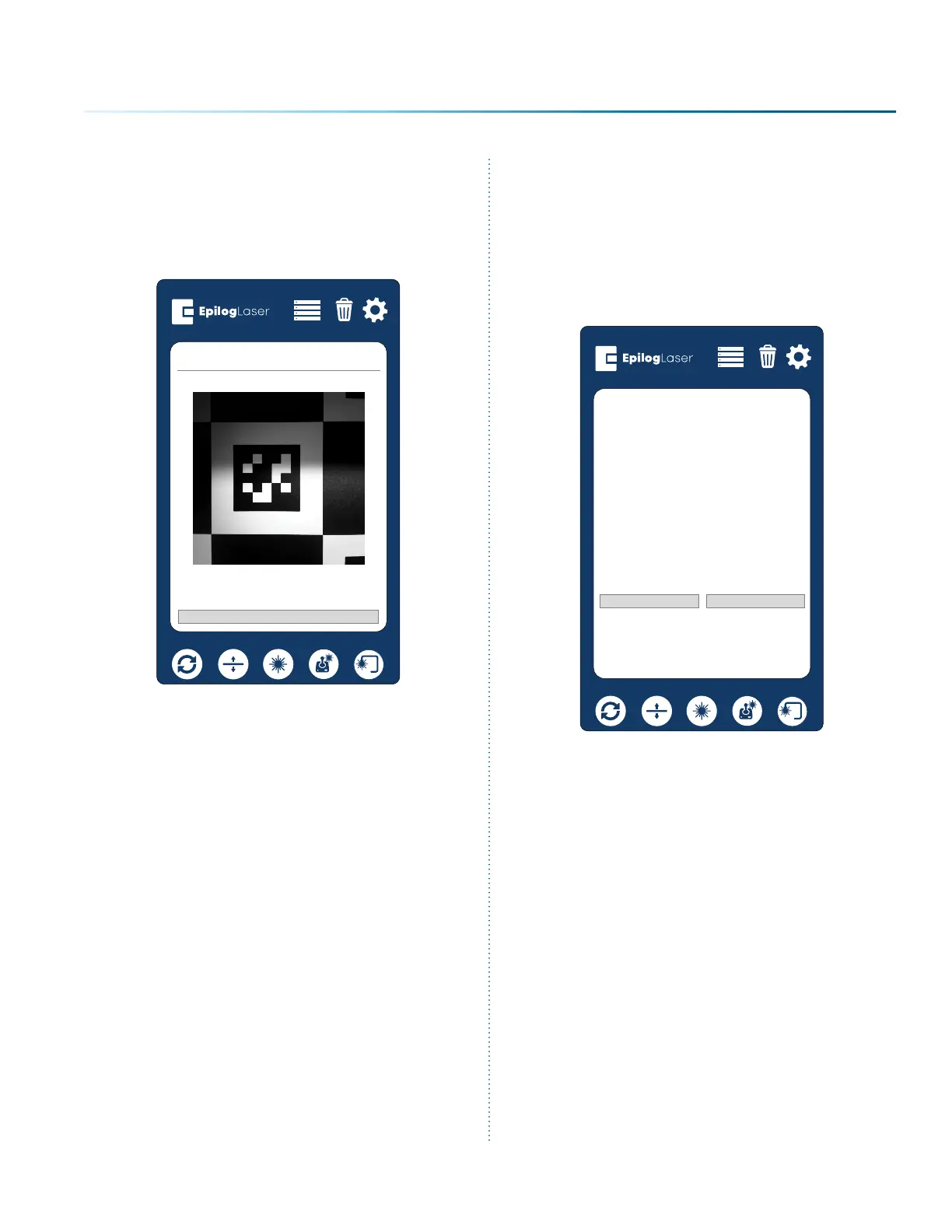
10. This process will take 10-15 minutes on a
Fusion Pro 32, and 20-25 minutes on a Fusion
Pro 48. The table will move back up into
focus, and the carriage camera will begin
scanning features on the chessboard
calibration target.
Idle
Cancel
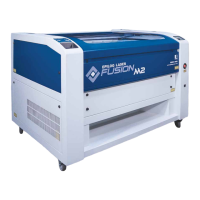
11. Once the calibration has successfully
finished, a dialog will appear. The “rms error”
will be listed and is used to determine the
quality of the calibration. The calibration will
fail if the rms error is above 2.0. The lower the
value, the better. A value below 0.6 is desired.
Click “Ok” to finish calibration and use the
supplied results.
Idle
Ok
Overhead Calibration Succesful.
Camera ID: 0D0EC405 rms error 0.447014.
Camera ID: 2D12C405 rms error 0.443344.
Cancel
- 139 -
APPENDIX C: SYSTEM CALIBRATION



 To Next Page