Troubleshooting the Job Manager
If you were unable to install the Job Manager, it’s possible that your Anti-Virus soware is blocking
installation.
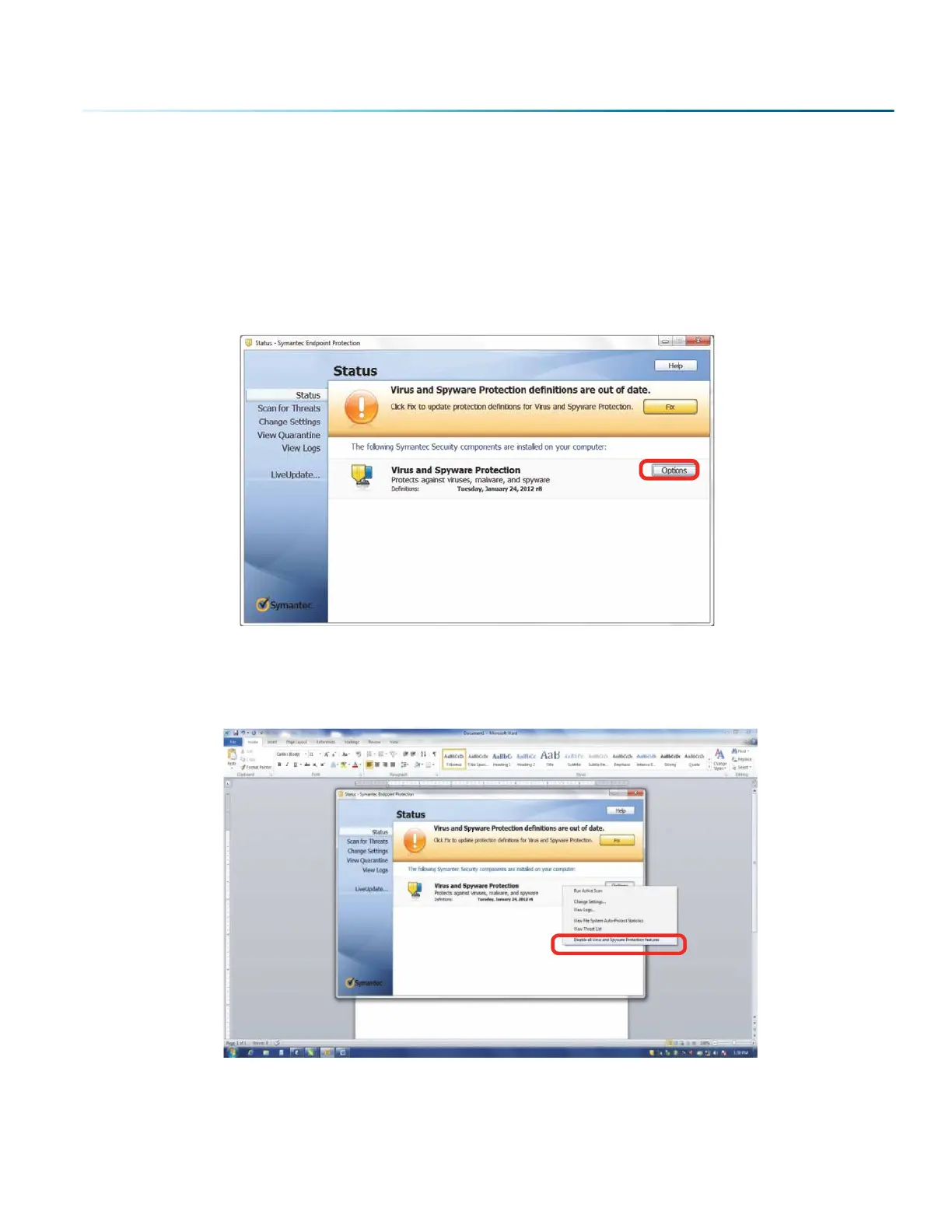
To disable Symantec Anti-Virus soware, choose Options. Other anti-virus packages should have
something similar to Symantec.
Disable all Virus and Spyware Protection Features. Aer the Job Manager has been installed go back
into your Anti-Virus soware and re-enable the setting that was disabled.
- 31 -
SECTION 3: SOFTWARE INSTALLATION



 To Next Page