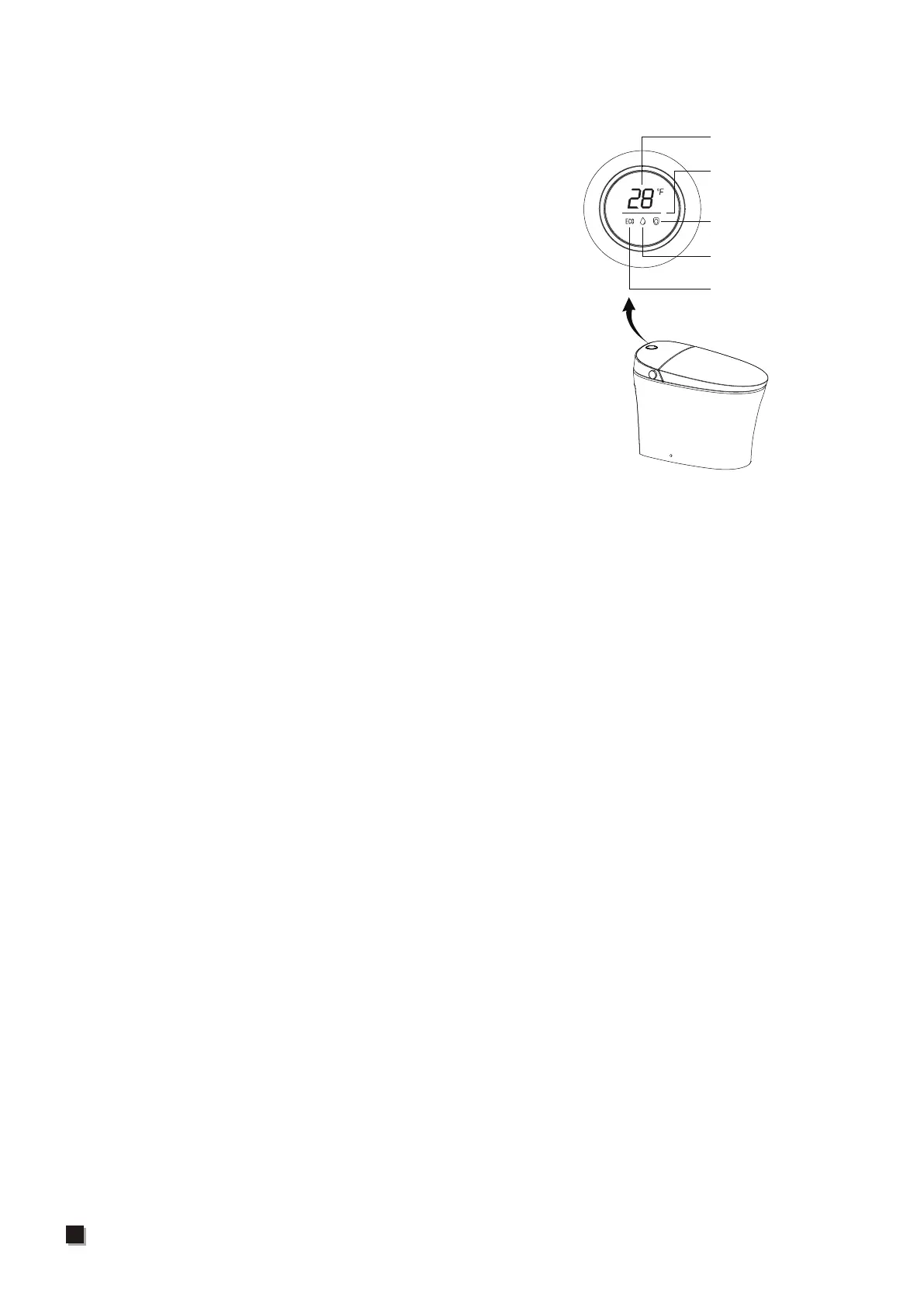
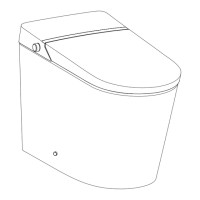
Top Panel Indicator Light Instruction
①Temperature display: When the water temperature
indicator light is on, it displays water temperature,
when the seat temperature indicator light is on, it
displays the seat temperature, and when in neutral,
it displays "--"
②Water temperature:When adjusting the water
temperature, the water temperature indicator light
is on. When in cleaning state, the default water
temperature indicator light is on.
③Seat temperature:When the machine is turned on
and not in the cleaning state, the default seat
temperature indicator light is on."
④Power saving:When the power saving indicator light
is on, it means that the whole machine is in power
saving state.
⑤When off seat, the screen will turn off after a period of time. If you sit down or press
any button on the product, the screen will display the current state.
⑥When it senses that the human body is approaching, if the screen is in the off state, it
will resume displaying the current state; when it senses that the human body is leaving,
the screen display will be turned off after a period of time.
⑦Others:When in standby state, all screen displays turn off.
Temperature display
Divider line
Seat temperature
Water temperature
Power saving
18


 To Next Page