17EPOS Gaming Suite: Additional settings
EPOS Gaming Suite:
Additional settings
The EPOS Gaming Suite includes a bunch of features that can improve the audio
experience of your B20 even more�
The following chapters explain some example features� Play around and try to create
settings that t your needs�
Adjusting the noise cancellation
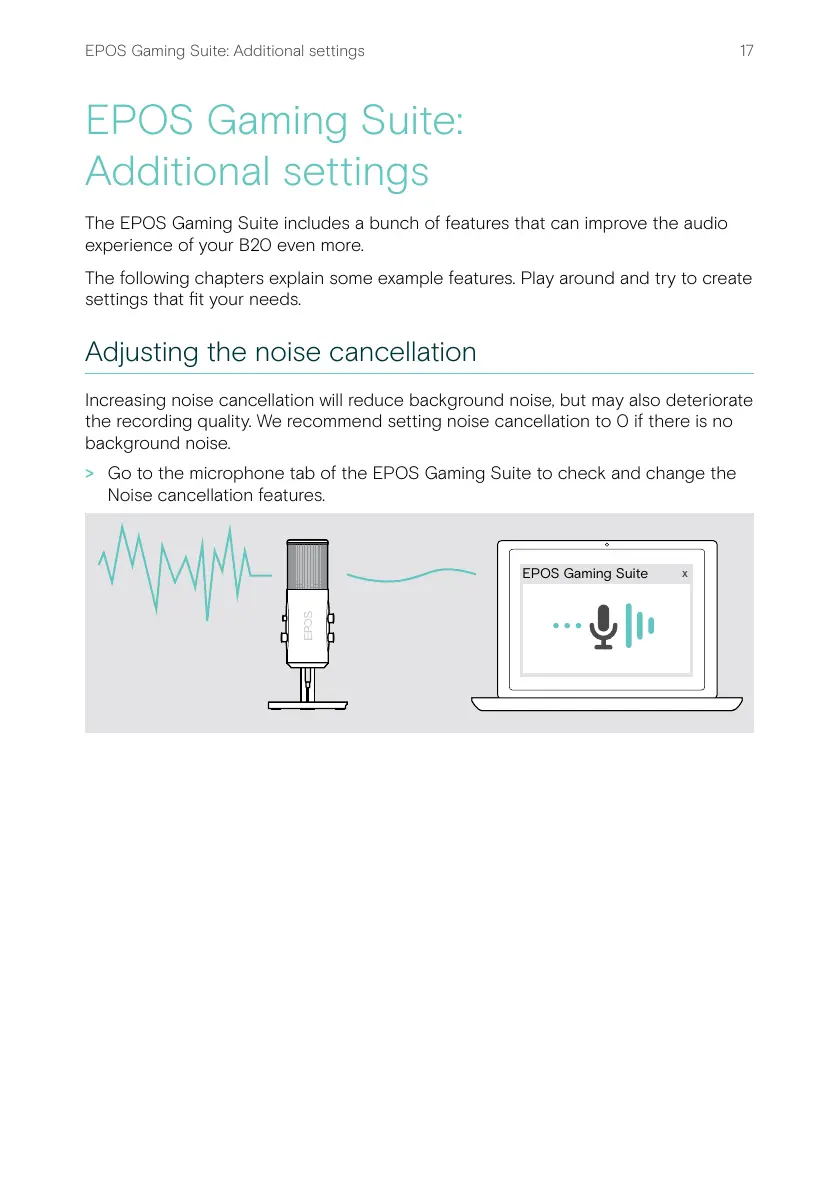
Increasing noise cancellation will reduce background noise, but may also deteriorate
the recording quality� We recommend setting noise cancellation to 0 if there is no
background noise�
> Go to the microphone tab of the EPOS Gaming Suite to check and change the
Noise cancellation features�
x
EPOS Gaming Suite


 To Next Page