EasyManua.ls Logo

EPOS Odysse - Remove Motherboard

EPOS Odysse
58 pages
Print Icon
To Next Page IconTo Next Page
To Previous Page IconTo Previous Page
Loading...
34
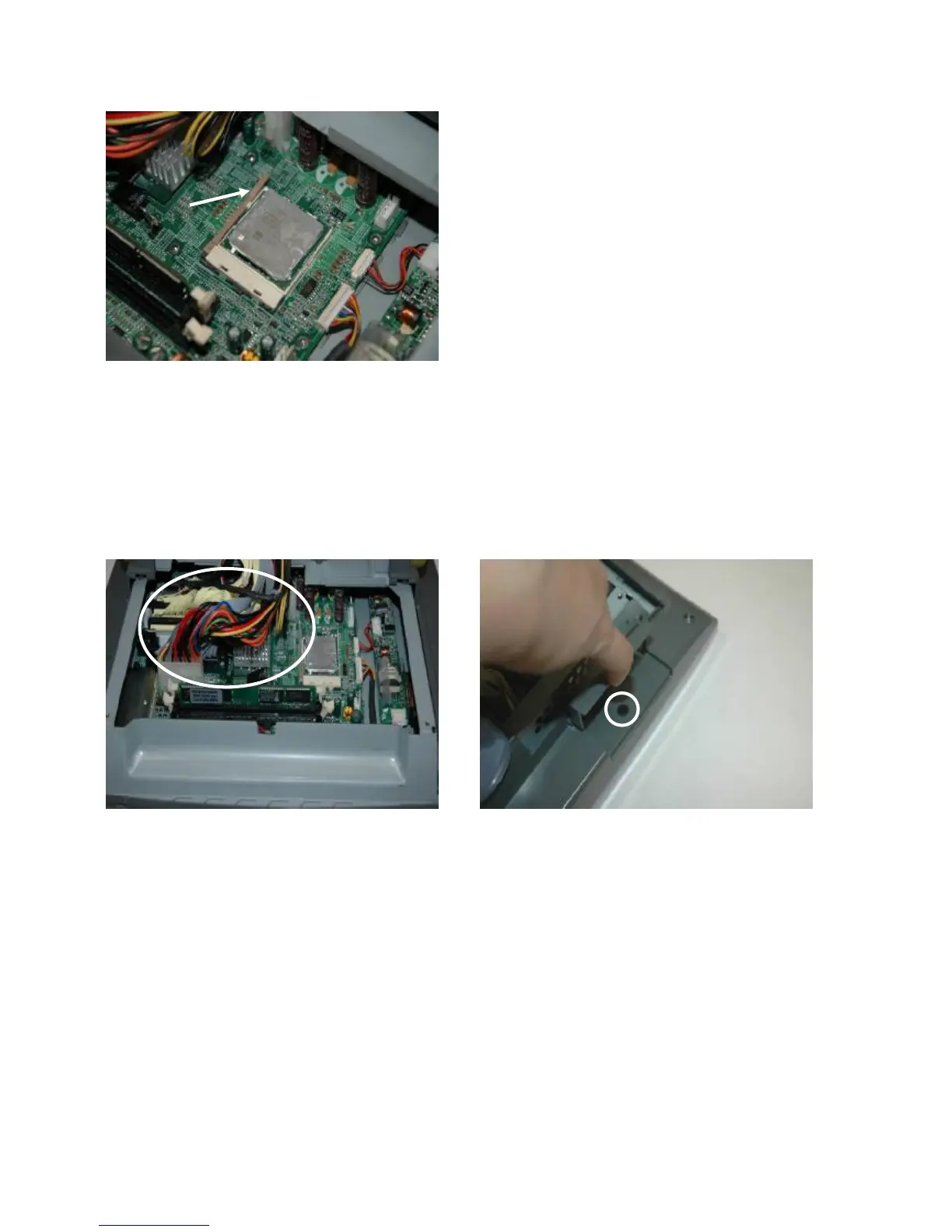
e. To remove the CPU, push the CPU
socket lever down and away from the
socket, and lift it up.
5.7. Remove Motherboard
Follow the instructions in chapter 5.6.first and remove the CPU.
a. Disconnect the following cables (8):
20pin cable, 100pin cable, IDE1 cable,
IDE2 cable, USB3&4 cable, MIC&Line-in
cable, speaker cable and CPU power
cable. (Refer to Chapter 7).

b. Open the compact flash card cover.
Remove the screw (1).