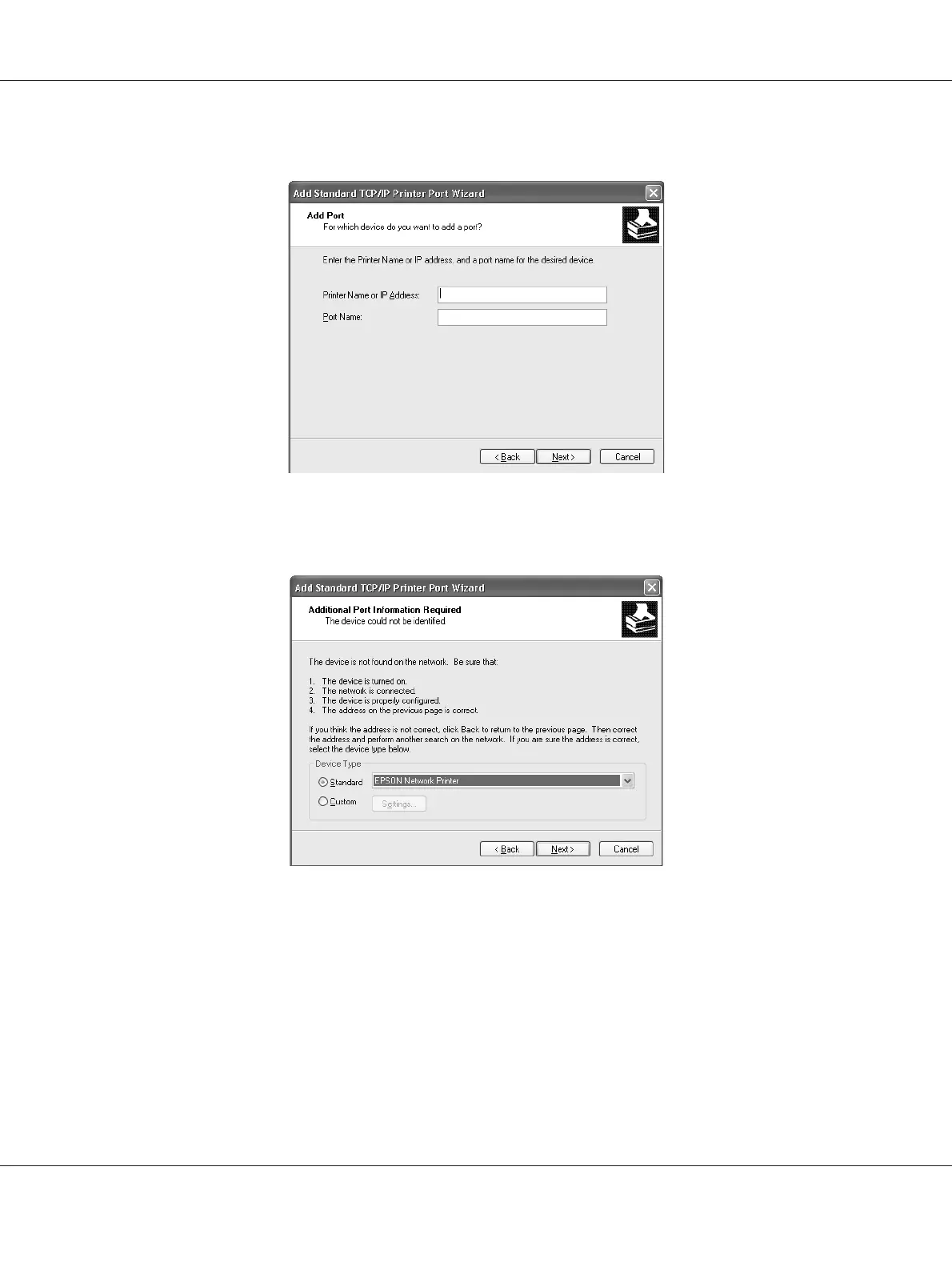
5. Enter the IP address of the network interface and then click Next.
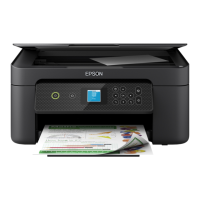
6. If an error occurs, the following dialog box appears. Select the Standard radio button and then
select EPSON Network Printer. Click Next.
7. Click Finish.
8. See “Installing a printer driver” on page 52 to install the printer driver.
Internet printing
1. Click Start, click Control Panel, click Printers and Other Hardware, and then click
Printers and Faxes.
EPSON Network Guide
How To 50



 To Next Page