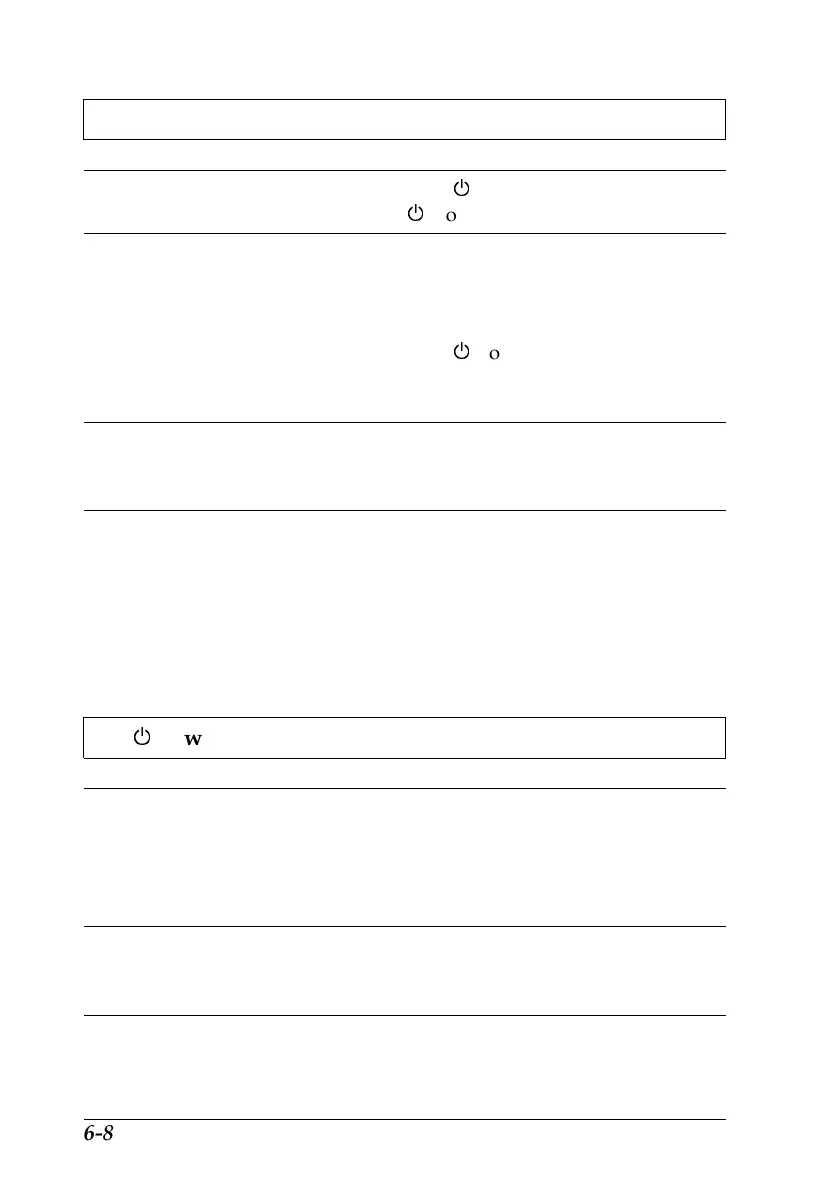
The printer does not work and the control panel lights are off.
Cause What to do
The printer is turned off. Press the
P
power button.
The
P
power light will come on.
The power cord is not
properly plugged into the
electrical outlet.
Turn off the printer, make sure the
power cord is firmly plugged into the
electrical outlet, and turn the printer
back on. If the lights don’t come on,
press the
P
power button again. If
they still don’t come on, contact your
dealer.
The electrical outlet is
controlled by an outside
switch or automatic timer.
Use a different outlet.
The electrical outlet is out of
order.
Plug another electrical device into the
outlet to determine whether the outlet
is working. If it is not, use a different
outlet.
Operation
The
P
power light is on but nothing prints.
Cause What to do
The interface cable is not
plugged in securely.
Confirm that the cable is securely
fastened to the printer and the
computer. If the cable is connected
correctly, perform a printer operation
check as described on page 6-4.
Your interface cable does not
meet both the printer and
computer specifications.
Use an interface cable that meets both
printer and computer specifications.
See page 1-4.
L
Hawaii2 Ref. Guide
Rev.b
A5 size Chapter 6
06-02-97 DR, pass 0
6-8
Troubleshooting












 To Next Page