49
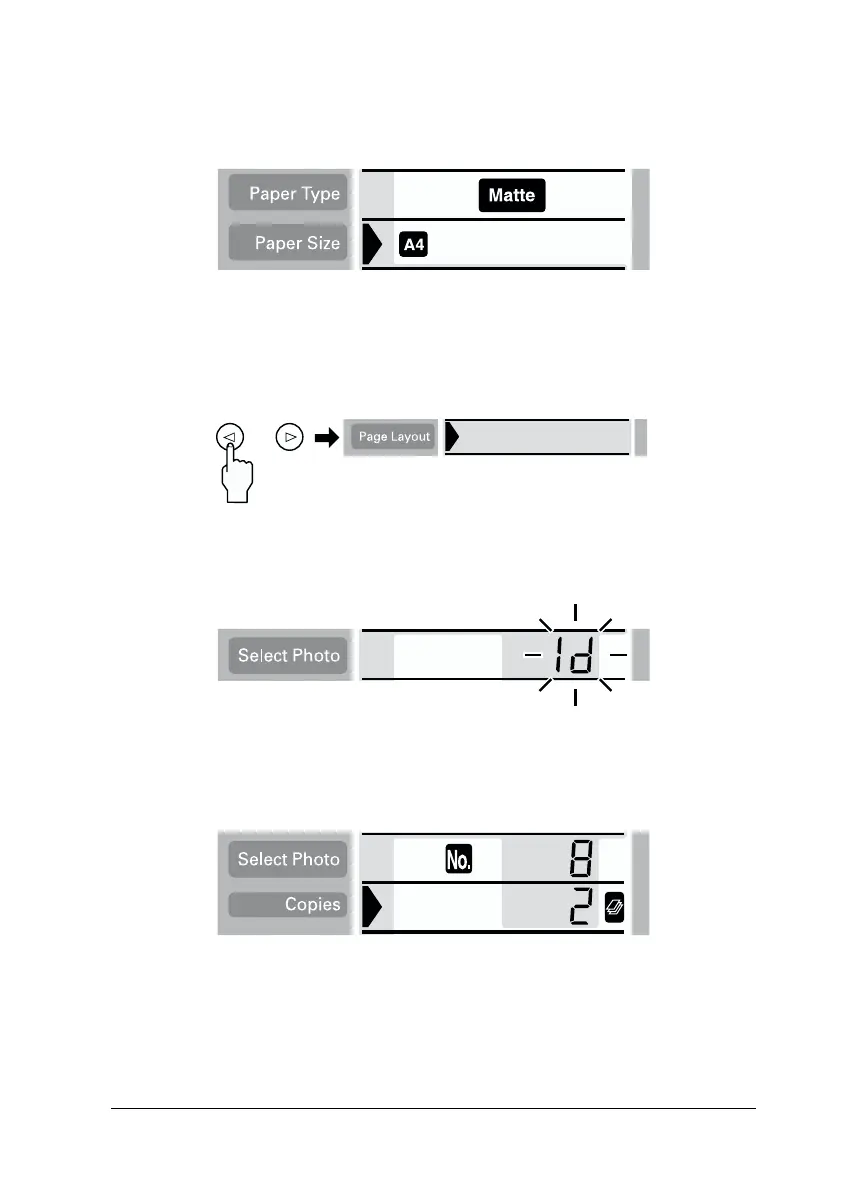
2. Select the paper type and size. Only A4 and 100 mm × 150 mm
size sheet paper are available for this function.
3. Move the cursor to the Page Layout setting, then press and
hold the right or left arrow button for 3 seconds. All layout
icons disappear.
4. Select the ID with the right or left arrow buttons.
5. Specify the photo number and the number of copies that you
want to print.














 To Next Page