50
6. Make the Quality and Photo Enhance settings.
7. Press the Print button to print the Multi-sized photos.
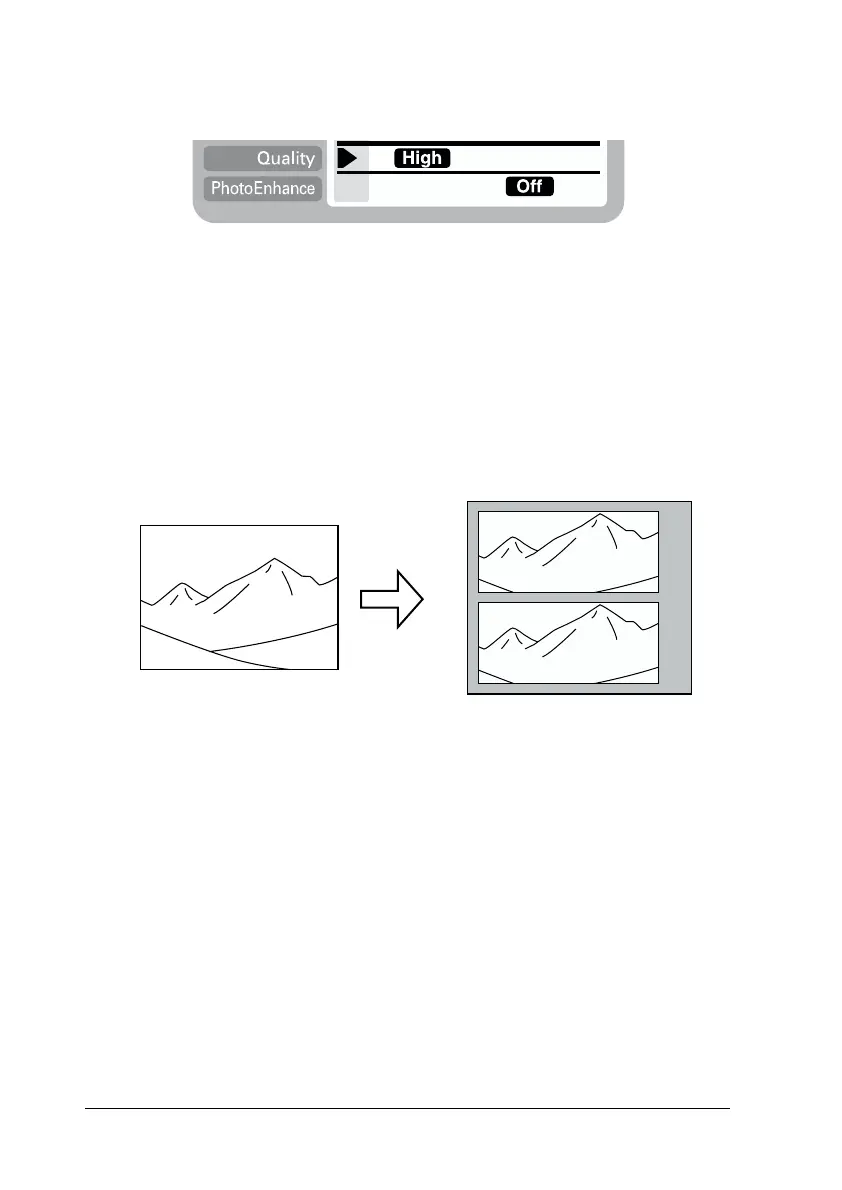
Printing photos using the panoramic layout
You can print photos using a panoramic layout. This function
adjusts the sides of photo image to the printable area. Note that
data cannot be printed larger than the printable area.
Note:
The purpose of this setting is to make a normal size photo look like
a panoramic photo. Do not use this setting with photos taken with
a digital camera in panoramic format.
Original Photo Panoramic Layout Photos














 To Next Page