51
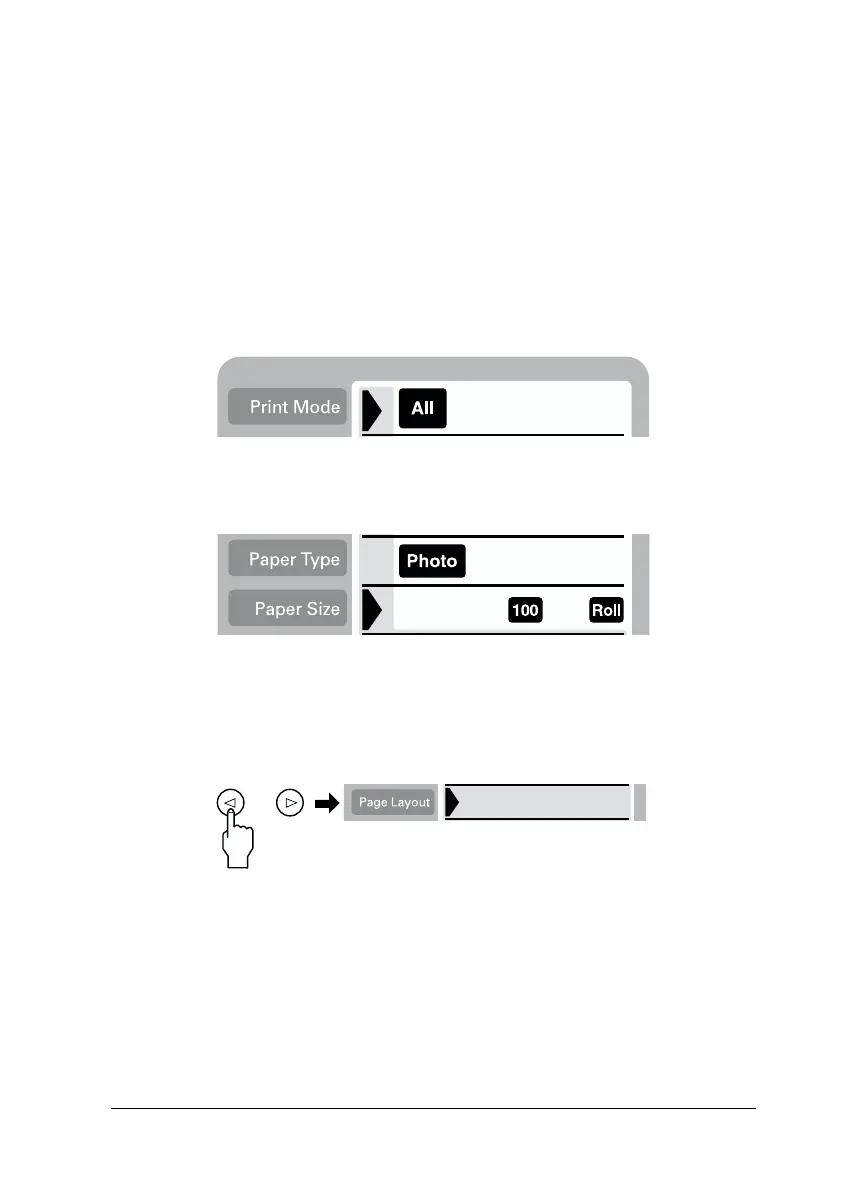
1. Select the Print Mode; All, One or Set.
2. Select the type and size of the media loaded in the printer.
3. Move the cursor to the Page Layout setting, then press and
hold the left or right arrow button for 3 seconds. All layout
icons disappear.
All: Print all photographs one by one in the panoramic
layout.
One: Print a selected photo in the panoramic layout.
Set: Continuously print the selected photos in the
panoramic layout.














 To Next Page