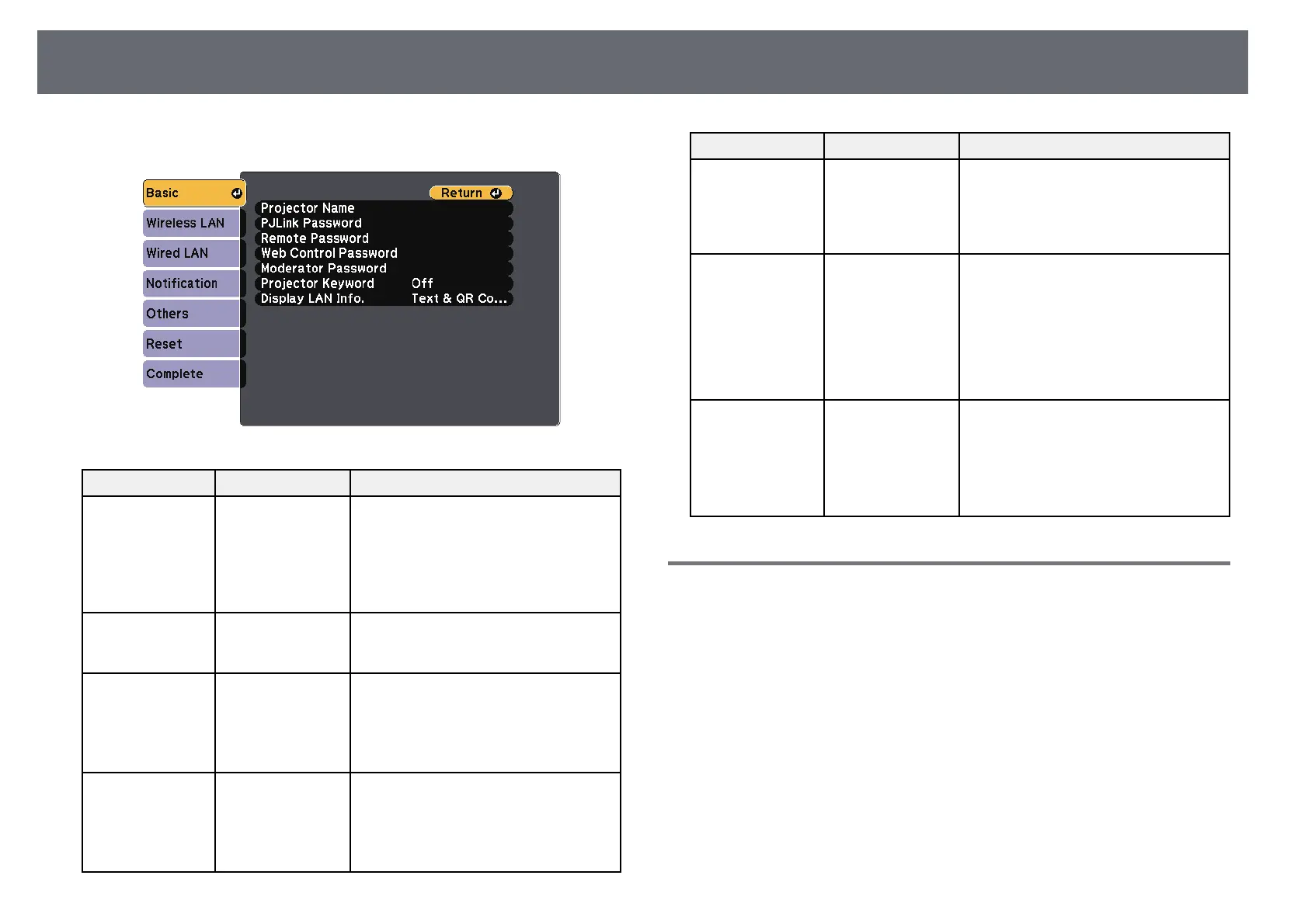
Projector Network Settings - Network Menu
184
s Network > Network Configuration > Basic
Setting Options Description
Projector Name Up to 16
alphanumeric
characters
(do not use " * + ,
/ : ; < = > ? [ \ ] ` |
spaces)
Enter a name to identify the projector
over the network.
PJLink Password Up to 32
alphanumeric
characters
Enter a password for using the PJLink
protocol for projector control.
Remote Password Up to 8
alphanumeric
characters
(do not use * :
spaces)
Enter a password for accessing the
projector using the Web Remote. (User
name is EPSONREMOTE; default
password is guest.)
Web Control
Password
Up to 8
alphanumeric
characters
(do not use * :
spaces)
Enter a password for accessing the
projector over the Web. (User name is
EPSONWEB; default password is
admin.)
Setting Options Description
Moderator
Password
Four-digit number Enter a password for accessing the
projector as a moderator using EasyMP
Multi PC Projection or Epson
iProjection. (No password is set by
default.)
Projector Keyword On
Off
Set to On to enable a security password
to prevent access to the projector by
anyone not in the same room as the
projector. You must enter the random
keyword displayed from a computer
using EasyMP Multi PC Projection or
Epson iProjection to access the projector
and share the current screen.
Display LAN Info. Text & QR Code
Text
Set the display format for the projector's
network information.
By simply reading the QR code with
Epson iProjection, you can connect to
the network. The default value is Text &
QR Code.
Network Menu - Wireless LAN Menu
Settings on the Wireless LAN menu let you select the wireless LAN settings.



 To Next Page