Projector Features
9
This projector comes with this special features. Refer to these sections for
more details.
gg Related Links
• "Unique Interactive Functions" p.9
• "Quick and Easy Setup" p.9
• "Flexible Connectivity" p.9
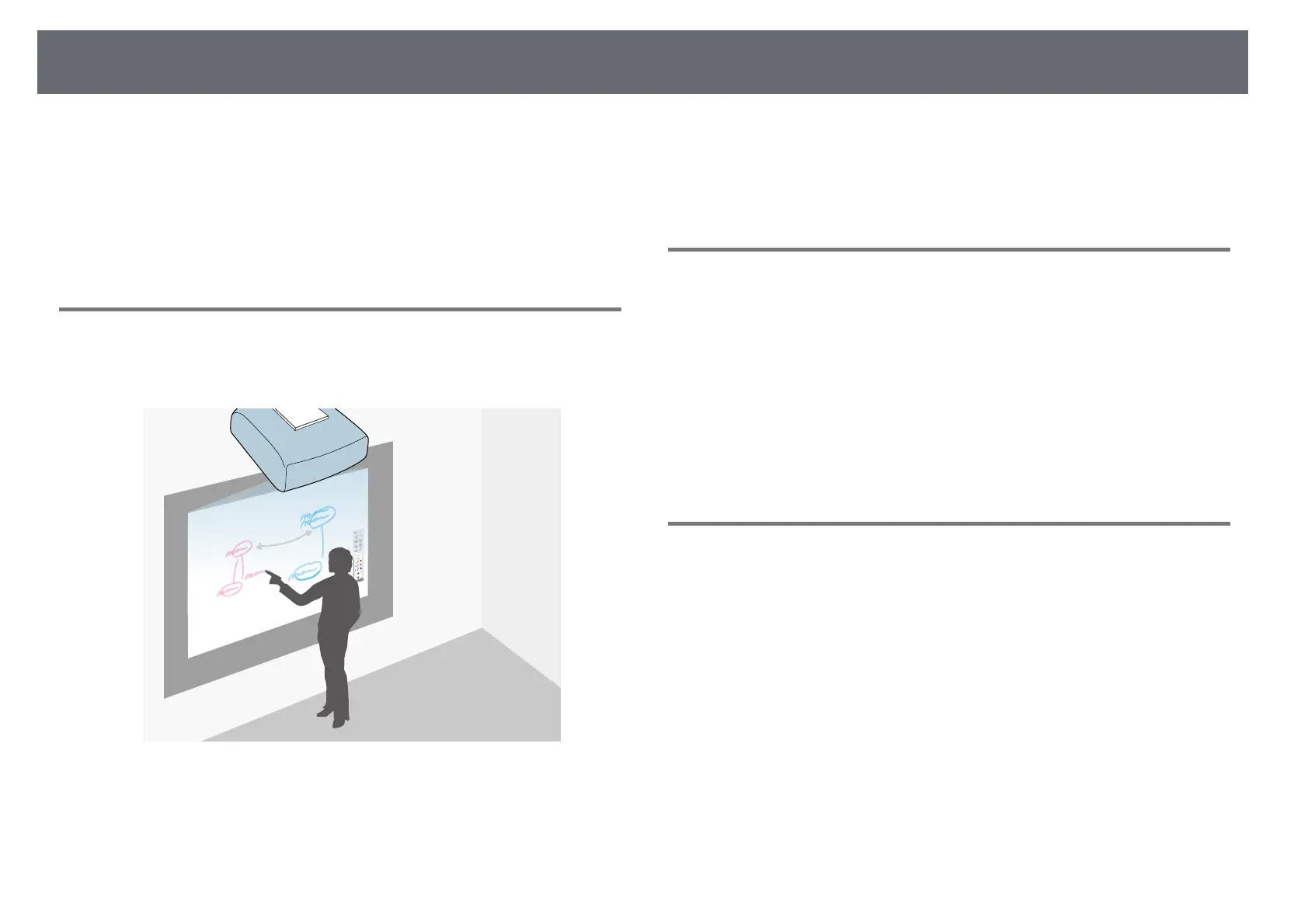
Unique Interactive Functions
Easy annotation on the projected screen using the interactive pen or your
finger.
• Annotation with or without a computer.
• Annotation with two pens at the same time.
• Quick and easy toolbar to aid you in annotating the screen.
• Projector operations from the projected screen.
• Easily print, save, and deliver your presentations.
• Computer operations from the projected screen.
• Touch-based interactivity using your finger.
Quick and Easy Setup
• Direct Power On feature to turn on the projector as soon as you plug it in.
• Auto Power On feature to turn on the projector when the projector detects
an image signal from the port you specified as the Auto Power On source.
• Home screen feature to easily select an input source and useful functions.
gg Related Links
• "Projector Setup Settings - Extended Menu" p.177
• "Turning On the Projector" p.42
• "Correcting the Image Shape with Quick Corner" p.56
Flexible Connectivity
This projector supports a wide variety of easy-to-use connectivity options as
shown below.
gg Related Links
• "Connect with Computers" p.10
• "Connect with Mobile Devices" p.10
• "Enlarge and Project Your Files with the Document Camera" p.11



 To Next Page