275
Note: If the lights display a pattern not listed in the table above, turn the projector off, unplug it, and
contact Epson for help.
Parent topic: Solving Problems
Related concepts
Air Filter and Vent Maintenance
Related references
Projector Reset Options - Reset Menu
Projector Feature Settings - Settings Menu
Where to Get Help (U.S. and Canada)
Where to Get Help (Latin America)
Projector Setup Settings - Extended Menu
Optional Equipment and Replacement Parts
Related topics
Attaching and Removing a Lens
Viewing the Status Display
You can monitor the projector's status and view error information from the status display.
1. Turn on the projector.
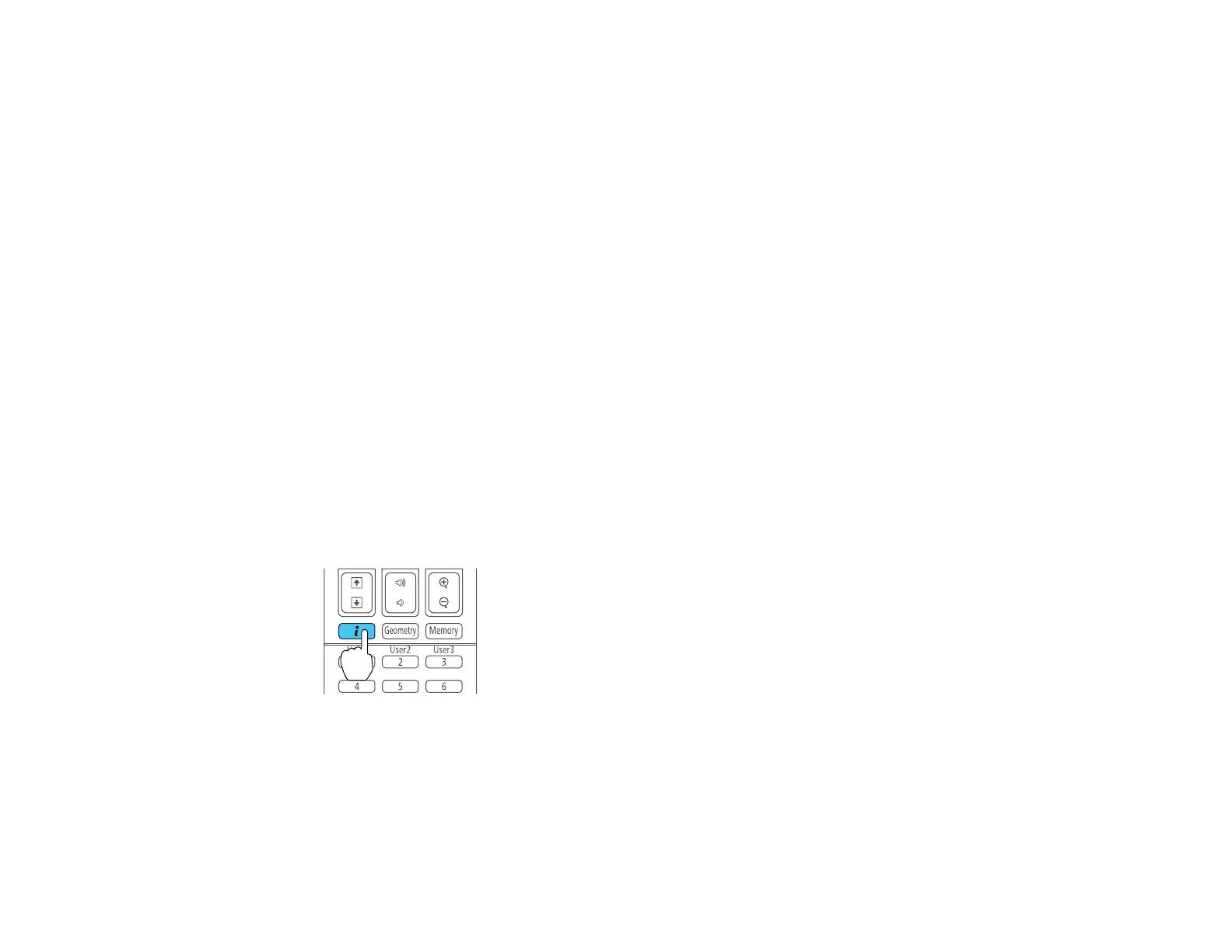
2. Press the i button on the remote control or the right arrow button on the control panel.






 To Next Page