Introduction
8
Name Function
i
Air filter cover
When replacing the air filter, open this cover and remove the air filter. s p.72
j
Security slot ( )
The security slot compatible with the MicroSaver security system manufac-
tured by Kensington. For more details, visit the homepage of Kensington at
http://www.kensington.com/.
k
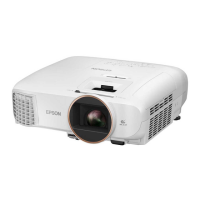
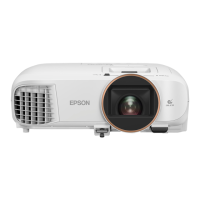
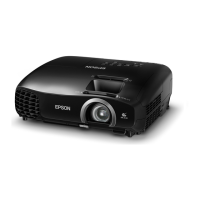
Focus adjuster (EH-
TW5800)
Focus ring (EH-TW5700)
Adjusts the image focus. s p.27
l
Zoom adjuster (EH-
TW5800)
Zoom ring (EH-TW5700)
Adjusts the image size. s p.27
m
Lens shift dial (EH-
TW5800 only)
Moves the position of the image vertically. s p.28
n
Horizontal keystone ad-
juster
Performs horizontal keystone correction. s p.29
o
Control panel
Operates the projector. s p.8
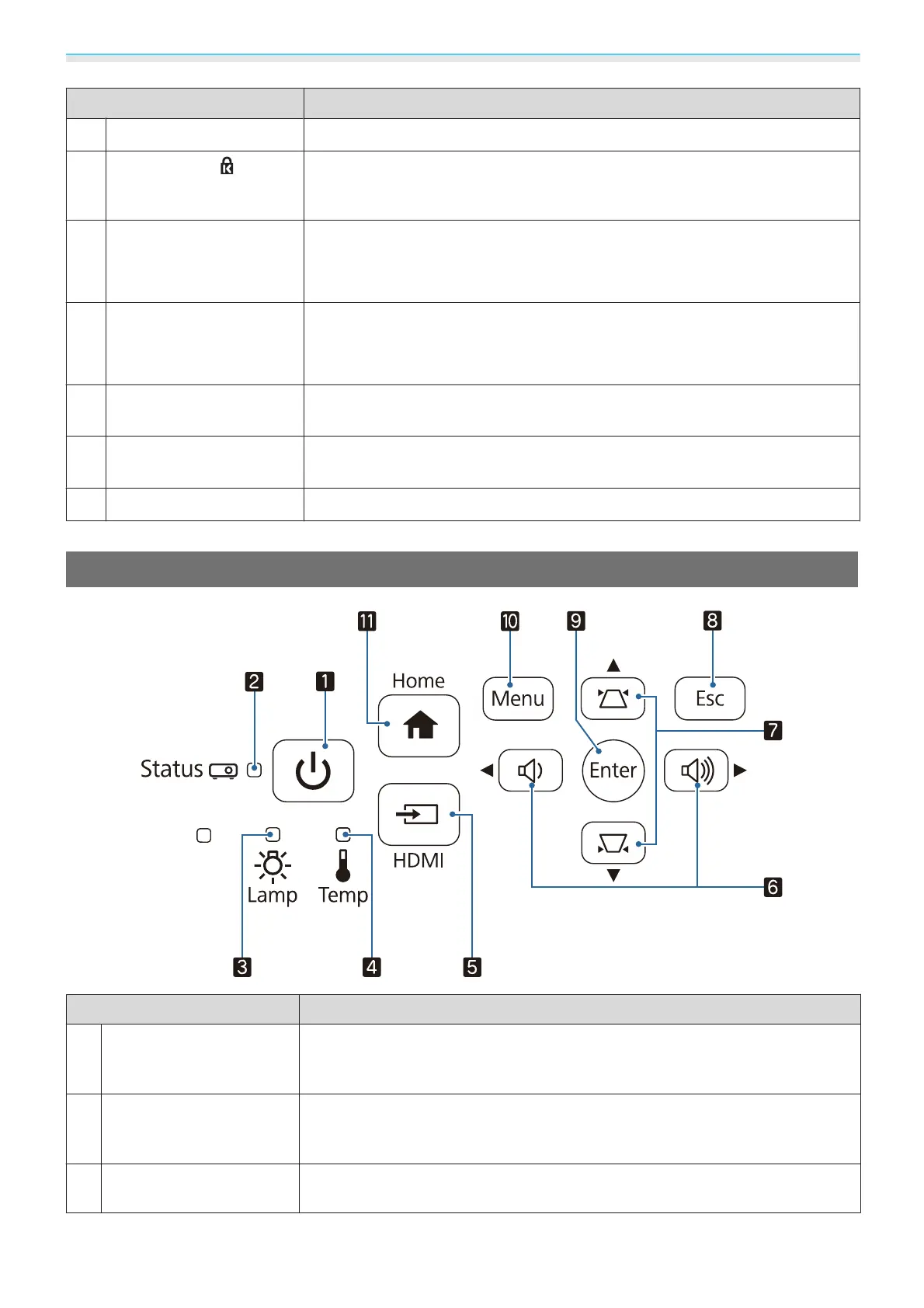
Control Panel
Name Function
a
Standby button
(Standby indicator)
Turns the projector on or off. s p.25
Shows the projector's status through a combination of other indicators lit and
flashing.
s p.59
b
Status indicator
Flashes blue to indicate the projector is warming up or cooling down. Shows
the projector's status through a combination of other indicators lit and flashing.
s p.57
c
Lamp indicator
Flashes orange when it is time to replace the lamp. Shows the projector's errors
through a combination of other indicators lit and flashing.
s p.57


 To Next Page