Printing with the Cut Sheet Feeder
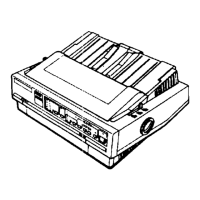
1. Turn the power ON with the switch on the left side of the printer, as
shown in Figure
2-8.
Figure 2-8. Turning the power on
2. When you turn the power ON:
l
The print head moves to the left side.
l
The POWER, READY, and ON LINE lights glow green.
l The red PAPER OUT light goes on. (The PAPER OUT light
remains on until paper is fed into the printer.)
3. Now print a document with your word processor as you normally
would. When you print a document:
l The print head moves to the center of the platen to facilitate
paper loading.
l
The feeder rollers feed one sheet of paper into the printer, and
position the page with a one-inch margin at the top. (See the
previous note “Setting up your word processor for a cut sheet
feeder. . ."
for information on adjusting margin and page length
settings.)
2-9



 To Next Page