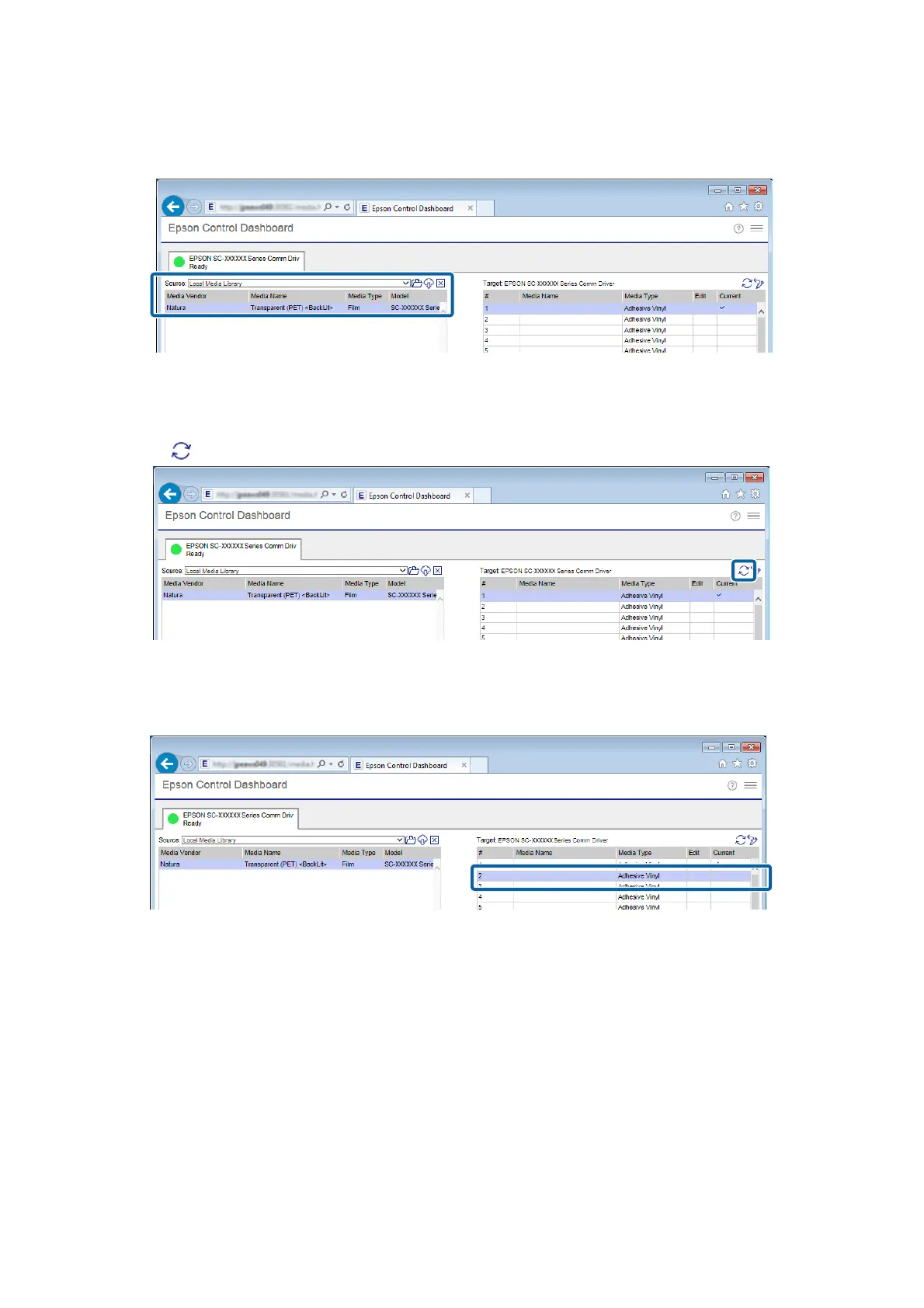
❏ Media settings of other printers registered to the Dashboard:
Name of the printer you want to register
If the printer is connected by USB, proceed to step 4. If the printer is connected by any other means, proceed to
step 5.
D
Click to update to the latest printer status.
E
In Target, click the media setting that writes the settings.
Be aware that the values for the settings are overwritten if you select media settings to which settings have
already been saved.
Epson Manual for RIP Printing (ONYX RIP)
Preparations for Printing
12



 To Next Page