F
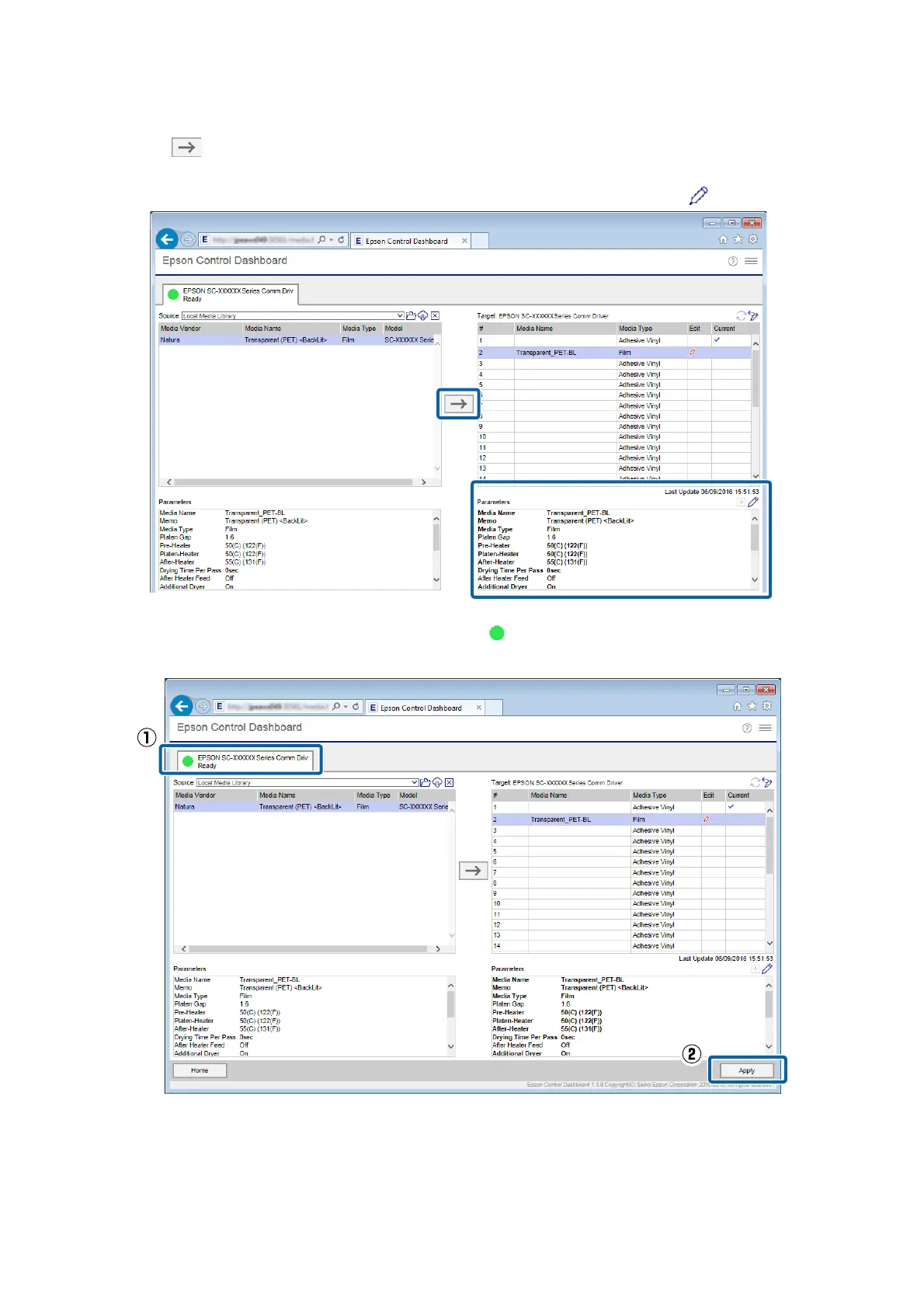
Click .
The display for media settings in Target is updated. You can check the details of the updates in Parameters
under the list. If you need to customize the settings before writing to the printer, click
to edit the settings.
G
Check that the icon that displays the printer's status is (Ready), and then click Apply.
The media setting values are written to the printer.
If you are using multiple printers of the same model, or if you are using multiple models, register the media
settings to all of the printers using the same steps.
Epson Manual for RIP Printing (ONYX RIP)
Preparations for Printing
13



 To Next Page