I
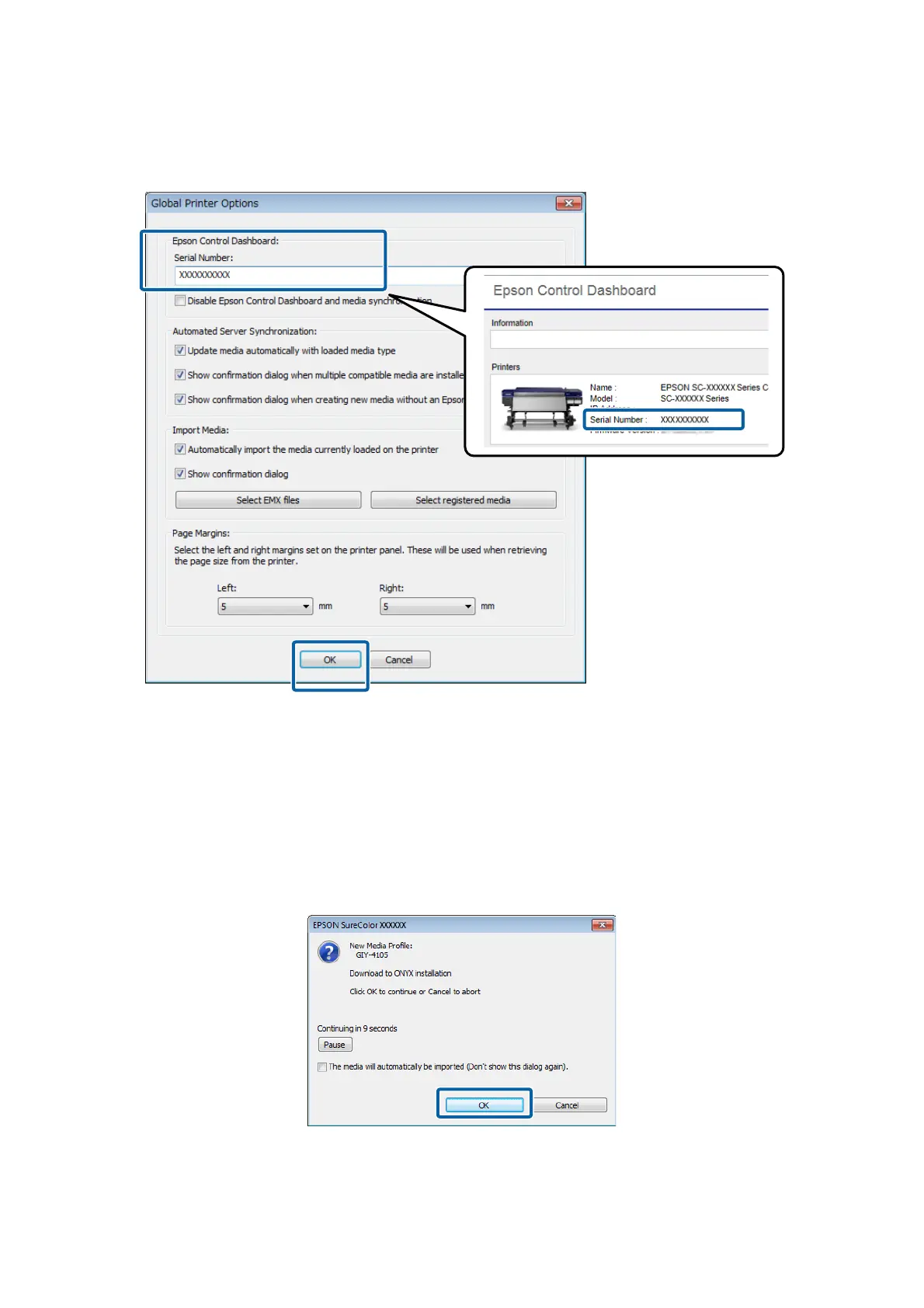
Input the Serial Number for the your printer, and then click OK.
You can check the printer's Serial Number on the Home screen of the Dashboard.
Automatically Importing Print Information
A confirmation screen appears in the following instances. Click OK to automatically import the print information to
the RIP.
❏ If you are starting the RIP for the first time
❏ If, on the printer, you selected a media settings number for media that does not have print information imported
to the RIP
After you select The media will automatically be imported, the print information is automatically imported without
displaying a confirmation screen.
Epson Manual for RIP Printing (ONYX RIP)
Preparations for Printing
18



 To Next Page