B
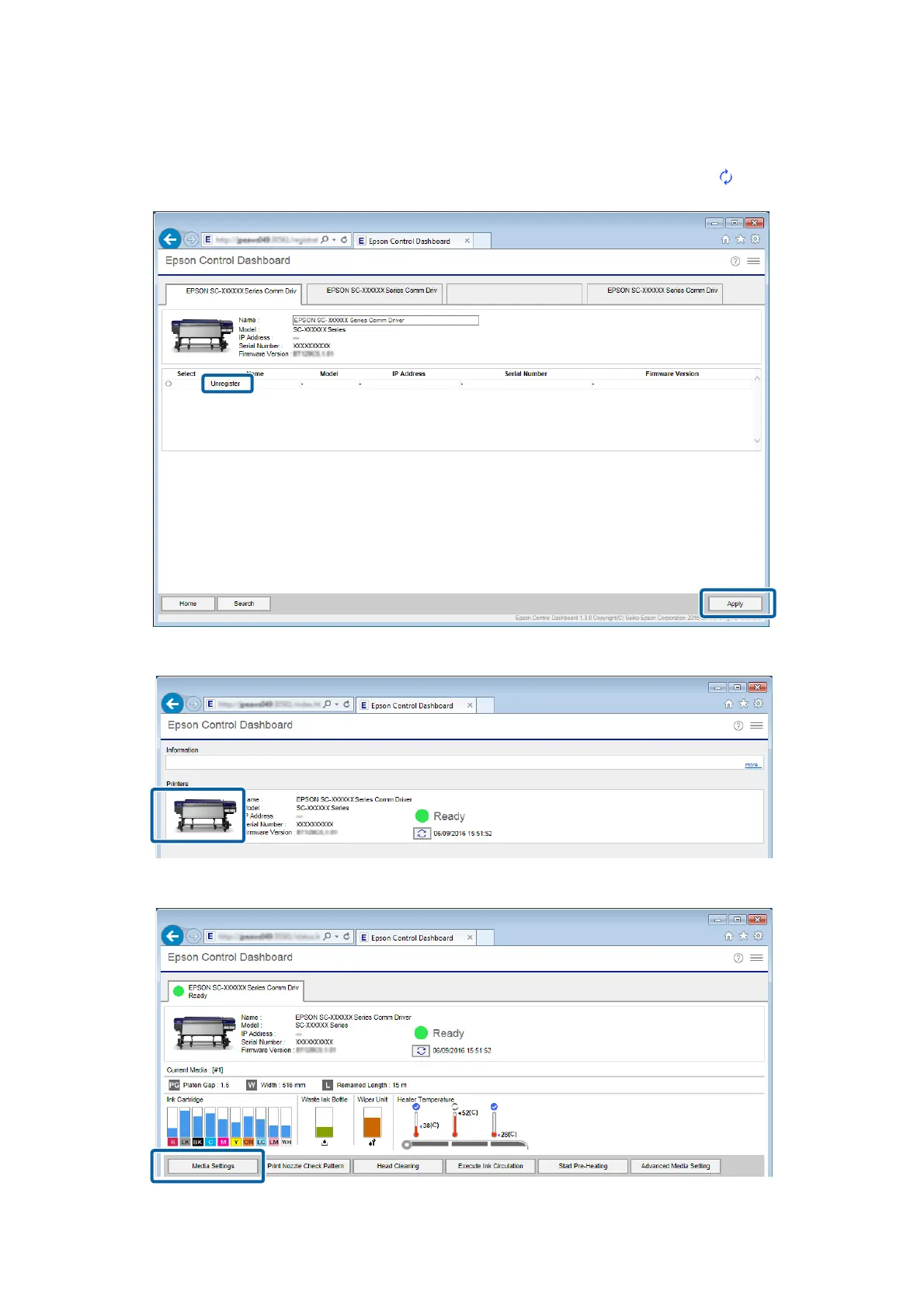
Select the printer you want to register, and then click Apply.
Data is being acquired from the printer while the icon that displays the printer's status icon is
. Do not operate
the computer.
C
On the Home screen, click your printer.
D
Click Media Settings.
Epson Manual for RIP Printing (ONYX RIP)
Preparations for Printing
8



 To Next Page