46
Chapter 2 Setup
Setup using Epson TM Utility
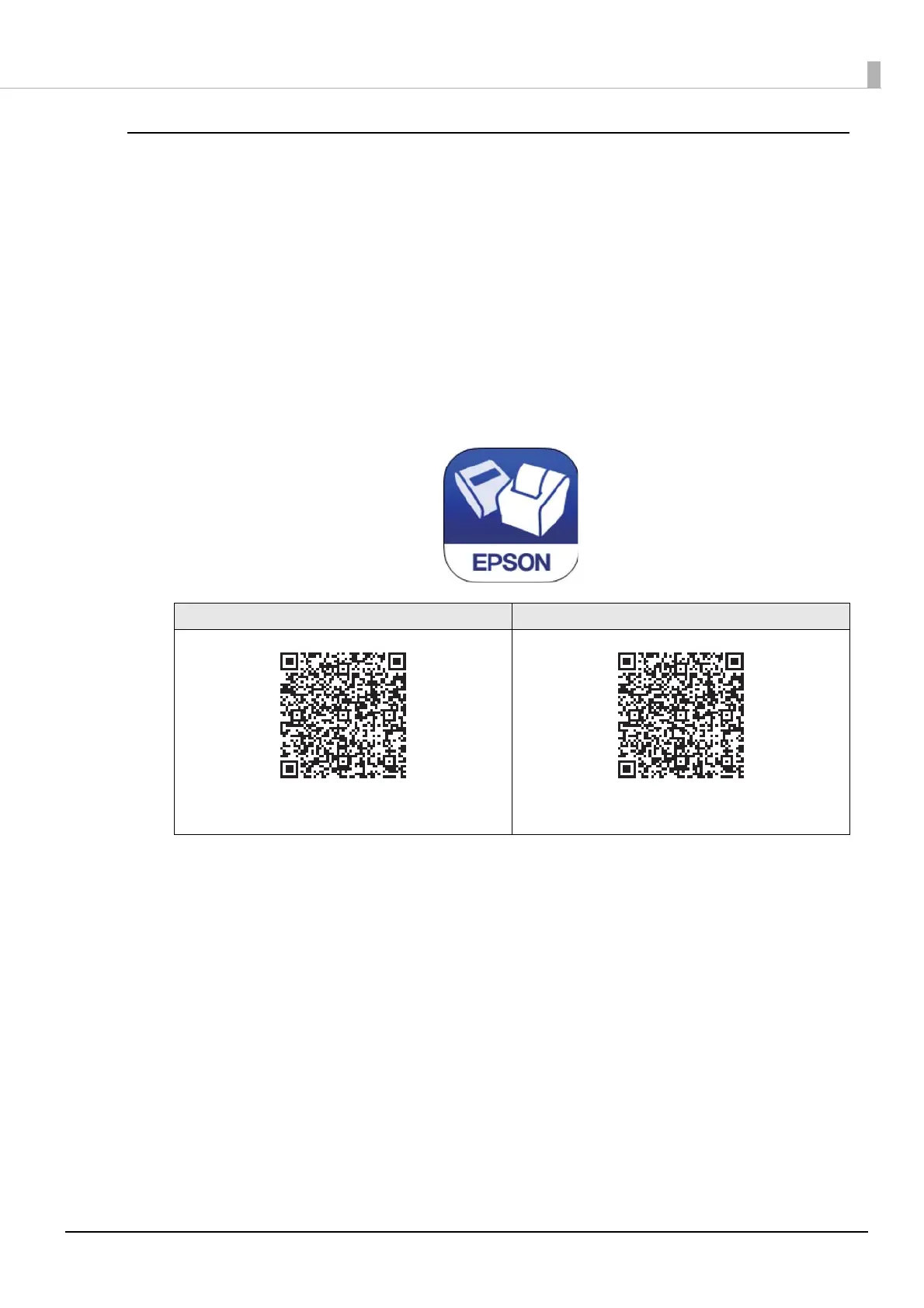
Epson TM Utility is a utility that can be downloaded on the App Store or Google Play.
See "Utilities" on page 82 for more information on features.
Necessary Items
Prepare the following items.
• A device for the setup (iOS or Android device)
• Internet environment
Setup Procedure
1
Download the Epson TM Utility on the store and install it on your device.
2
Run the Epson TM Utility and select "Wi-Fi Setup Wizard" from the menu.
Follow the on-screen instructions to complete the setup.
iOS Android
https://www.epson-biz.com/manuals/tm-m_series/
redirect/index_a.html
https://www.epson-biz.com/manuals/tm-m_series/
redirect/index_g.html









 To Next Page