5-12 Commands
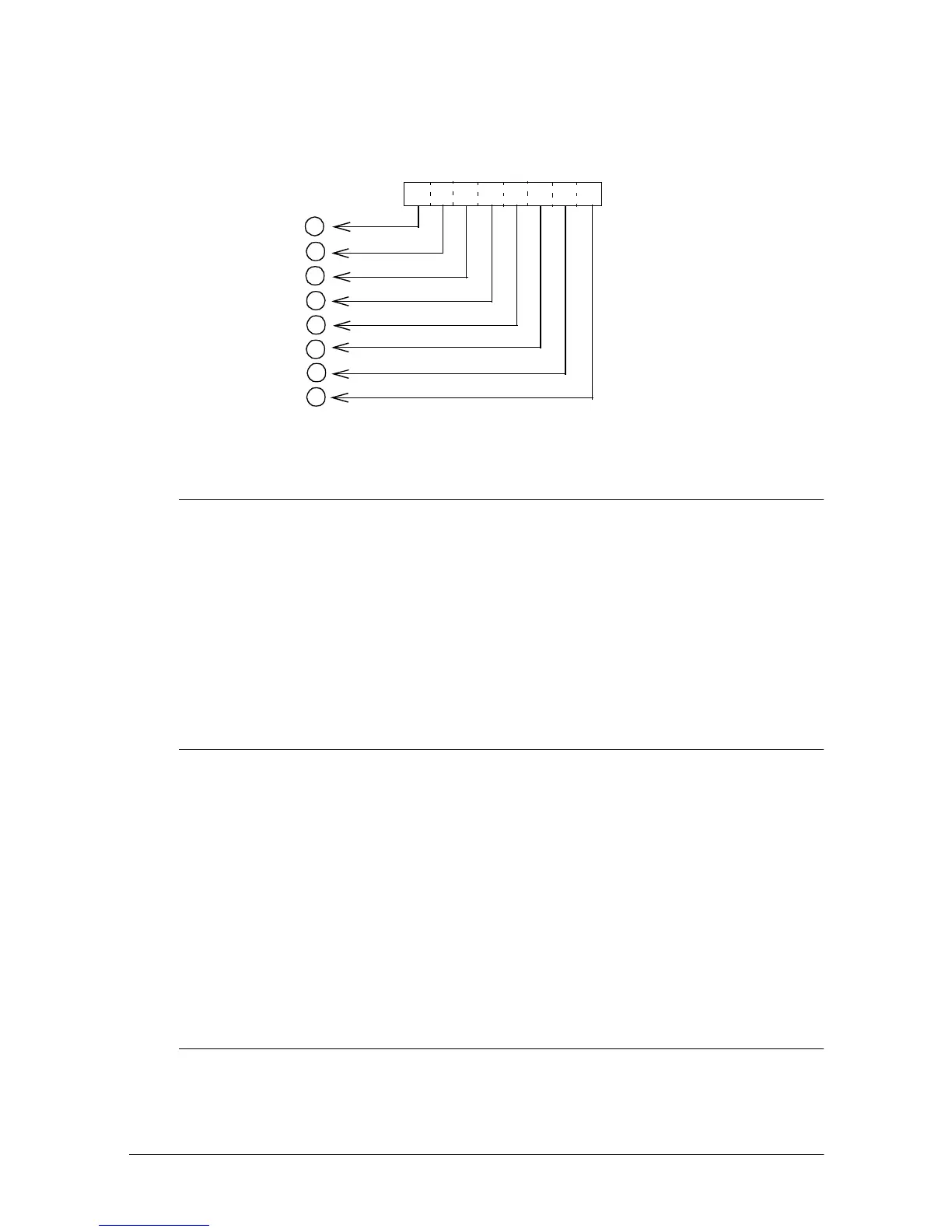
• The relationship between the image data and the dots to be printed is as follows:
ESC 2
[Name] Select 1/6-inch line spacing
[Format] ASCII ESC 2
Hex 1B 32
Decimal 27 50
[Description] Selects 1/6-inch line spacing.
[Note] The line spacing can be set independently in standard mode and in
page mode.
[Reference]
ESC 3
ESC 3
n
[Name] Set line spacing
[Format] ASCII ESC 3
n
Hex 1B 33
n
Decimal 27 51
n
[Range] 0 ≤
n
≤ 255
[Description] Sets the line spacing to
n
/60 inches.
[Notes] • This command sets values independently in standard mode and
in page mode.
[Default]
n
= 10 (1/6 inch)
[Reference]
ESC 2
ESC =
n
[Name] Set device
[Format] ASCII ESC =
n
12
3
4
5
6
7
0
Top
Bottom
Print data
Bit image data













 To Next Page