Commands 5-17
Double-density bit image: ESC ✻
Paper release: ESC q
• The following commands are settable but do not have any effect
in page mode.
Upside-down character mode: ESC {
7 × 7 font and underline mode specification and cancel: ESC !
• This command is effective only in standard mode.
•ESC @ command returns the printer to standard mode without
printing any data.
[Default] Standard mode
[Reference] FF
ESC R
n
[Name] Select an international character set
[Format] ASCII ESC R
n
Hex 1B 52
n
Decimal 27 82
n
[Range] 0 ≤
n
≤ 10
[Description] Selects an international character set
n
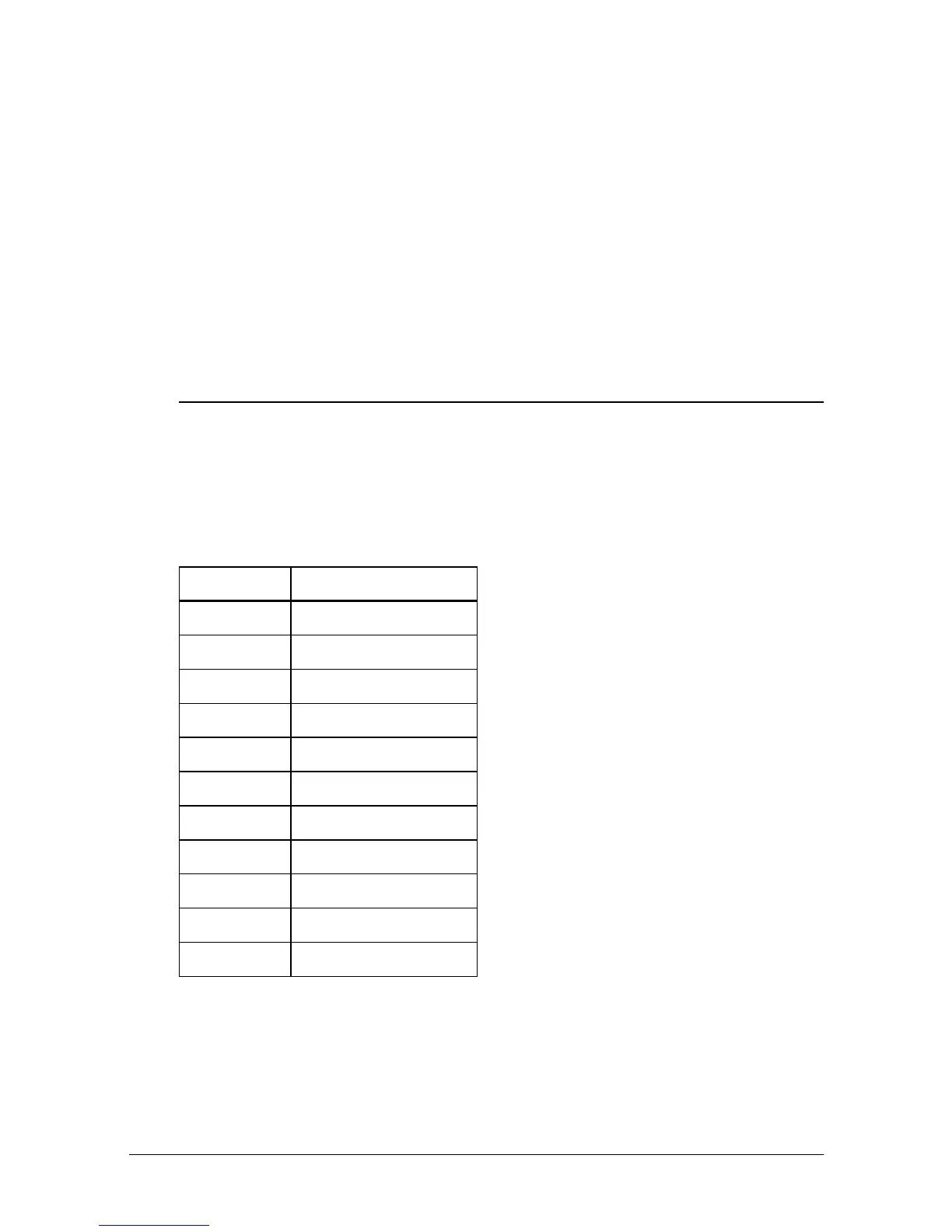
from the following table:
[Note] If the value of
n
is out of specified range, printer ignores the
command.
[Default]
n
= 0
[Reference]
Character Code Tables
n
Character set
0 U.S.A.
1France
2 Germany
3U.K.
4 Denmark I
5Sweden
6Italy
7Spain
8 Japan
9Norway
10 Denmark II














 To Next Page