4-2 Issue 05, 02/00 Krautkramer USN 52R/USN 52L
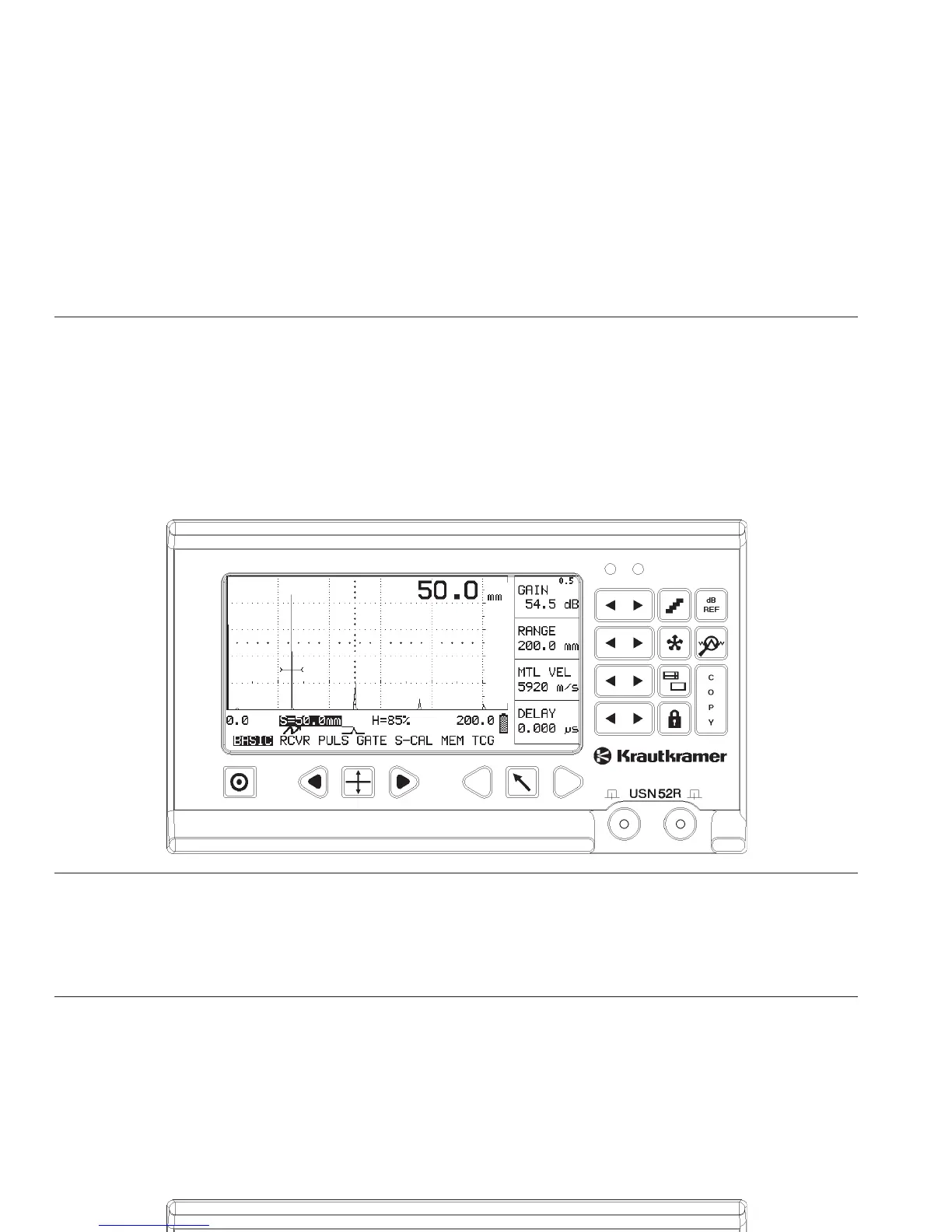
4.1 USN 52R and USN 52L
The present operating manual applies to both instru-
ment versions. Operating concept, operating levels,
function groups and functions of the two instruments
are basically the same.
The only difference is the type and size of the display
screen or its setting.
Basics of operation
USN 52R and USN 52L
USN 52R
USN 52R: The screen brightness of the EL display is
set in the function INTENSITY (Please refer to page
5-45).
USN 52L: The LCD screen is set using special keys
(please refer to page 4-3).
4-2 Issue 05, 02/00 Krautkramer USN 52R/USN 52L
4.1 USN 52R and USN 52L
The present operating manual applies to both instru-
ment versions. Operating concept, operating levels,
function groups and functions of the two instruments
are basically the same.
The only difference is the type and size of the display
screen or its setting.
Basics of operation
USN 52R and USN 52L
USN 52R
USN 52R: The screen brightness of the EL display is
set in the function INTENSITY (Please refer to page
5-45).
USN 52L: The LCD screen is set using special keys
(please refer to page 4-3).



 To Next Page