5-4 Issue 05, 02/00 Krautkramer USN 52R/USN 52L
Selection of basic data
In this function you set the different values which serve
as a measurement basis and for the display indication.
– With JC go to the BASIC function group.
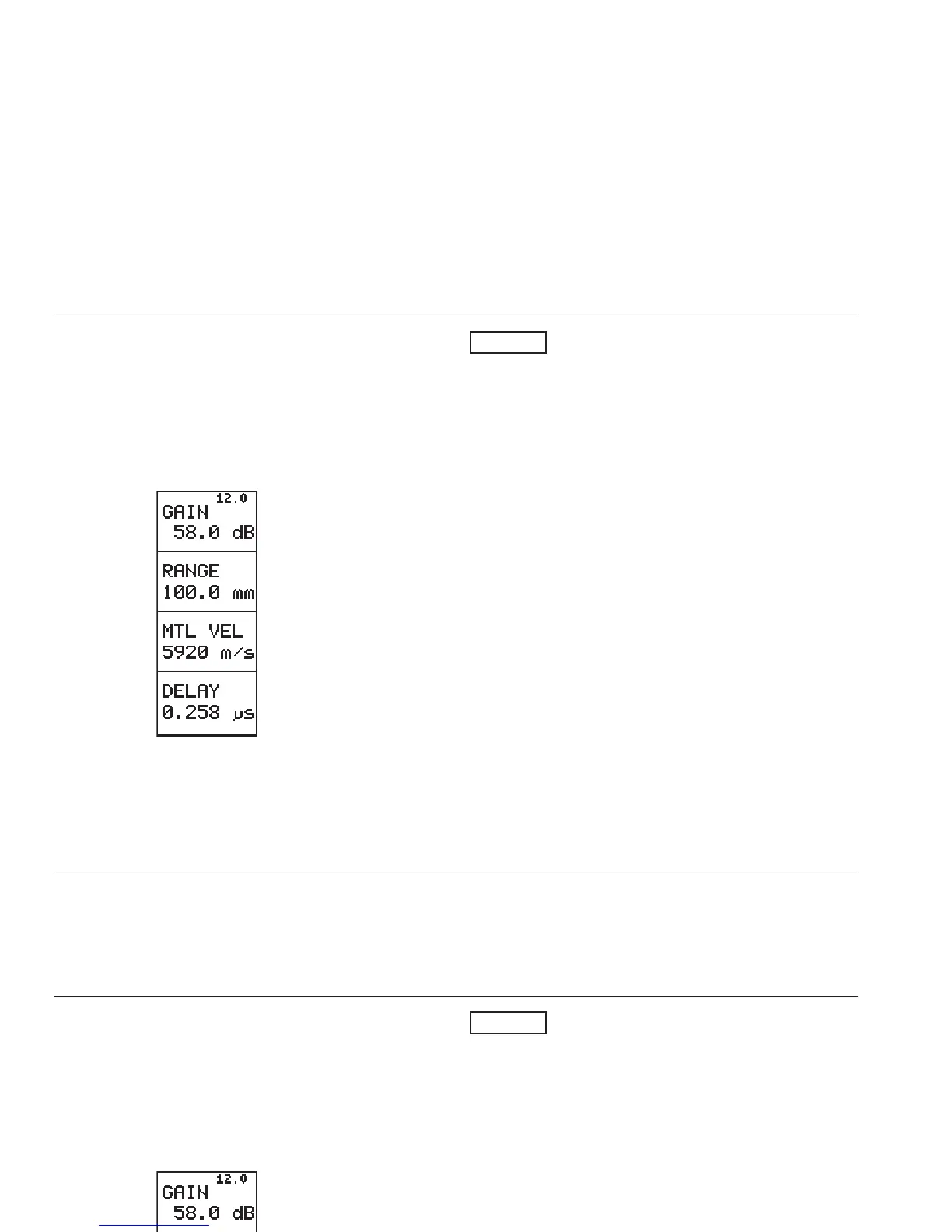
RANGE Calibration range
In this function you set the display range for the A-Scan.
In doing this, you can select between two settings:
• coarse: in steps
-5 mm
- 10 mm
- 25 mm
- 50 mm
- 100 mm
- 125 mm
- 200 mm
- 250 mm
- 500 mm
- 1000 mm
- 5000 mm
• fine: continuous from 5.0 mm bis 5000 mm. The
function name appears in small letters (“Range”).
Operation:
– Press N or O in order to change between the steps
or to continuously select the required value.
– Coarse/Fine change-over: Simultaneously press N
and O in RANGE.
Operation Adjustment of the USN 52R/USN 52L
5-4 Issue 05, 02/00 Krautkramer USN 52R/USN 52L
Selection of basic data
In this function you set the different values which serve
as a measurement basis and for the display indication.
– With JC go to the BASIC function group.
RANGE Calibration range
In this function you set the display range for the A-Scan.
In doing this, you can select between two settings:
• coarse: in steps
-5 mm
- 10 mm
- 25 mm
- 50 mm
- 100 mm
- 125 mm
- 200 mm
- 250 mm
- 500 mm
- 1000 mm
- 5000 mm
• fine: continuous from 5.0 mm bis 5000 mm. The
function name appears in small letters (“Range”).
Operation:
– Press N or O in order to change between the steps
or to continuously select the required value.
– Coarse/Fine change-over: Simultaneously press N
and O in RANGE.
Operation Adjustment of the USN 52R/USN 52L



 To Next Page