5-26 Issue 05, 02/00 Krautkramer USN 52R/USN 52L
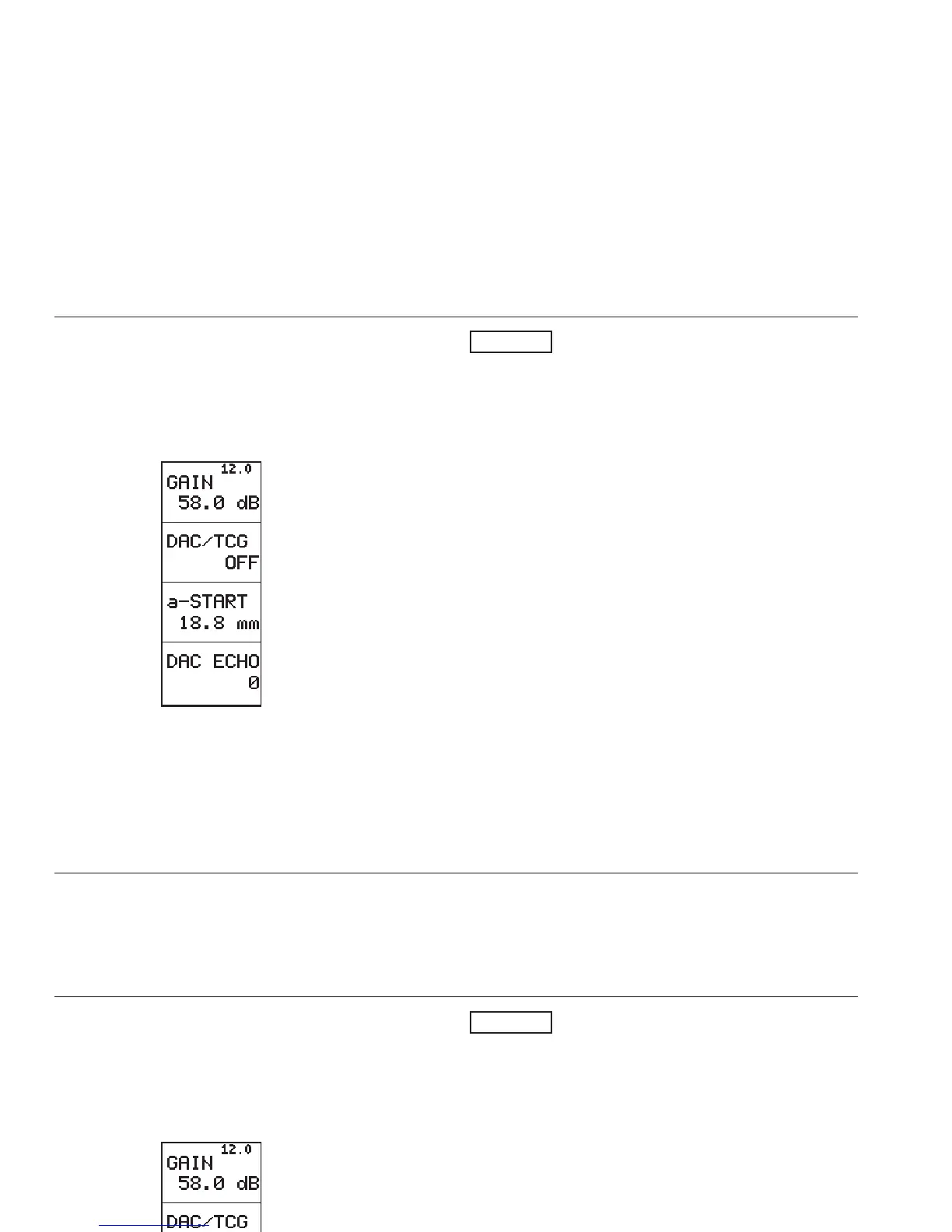
Function group TCG
With these functions you can operate all DAC/TCG
modes.
Use C to go to the function group TCG:
DAC/TCG mode
With this function you can determine the DAC/TCG
mode:
OFF: No DAC/TCG is active.
DAC: The already stored Distance-Amplitude Curve is
displayed on the screen.
TCG: The TCG is calculated on the basis of the curve
so that all reference echoes reach the same screen
height: TCG (=Time-Corrected Gain).
Echoes from the test object are now evaluated in rela-
tion to a reference echo.
H Note:
• With active TCG the symbol T is displayed in the
status line.
• In the TCG setting, the lowest function DAC ECHO
changes to CURVE.
You can additionally have the progress of the gain
increase displayed by a curve at this point if you
wish: CURVE = ON.
Operation DAC/TCG
5-26 Issue 05, 02/00 Krautkramer USN 52R/USN 52L
Function group TCG
With these functions you can operate all DAC/TCG
modes.
Use C to go to the function group TCG:
DAC/TCG mode
With this function you can determine the DAC/TCG
mode:
OFF: No DAC/TCG is active.
DAC: The already stored Distance-Amplitude Curve is
displayed on the screen.
TCG: The TCG is calculated on the basis of the curve
so that all reference echoes reach the same screen
height: TCG (=Time-Corrected Gain).
Echoes from the test object are now evaluated in rela-
tion to a reference echo.
H Note:
• With active TCG the symbol T is displayed in the
status line.
• In the TCG setting, the lowest function DAC ECHO
changes to CURVE.
You can additionally have the progress of the gain
increase displayed by a curve at this point if you
wish: CURVE = ON.
Operation DAC/TCG



 To Next Page