238
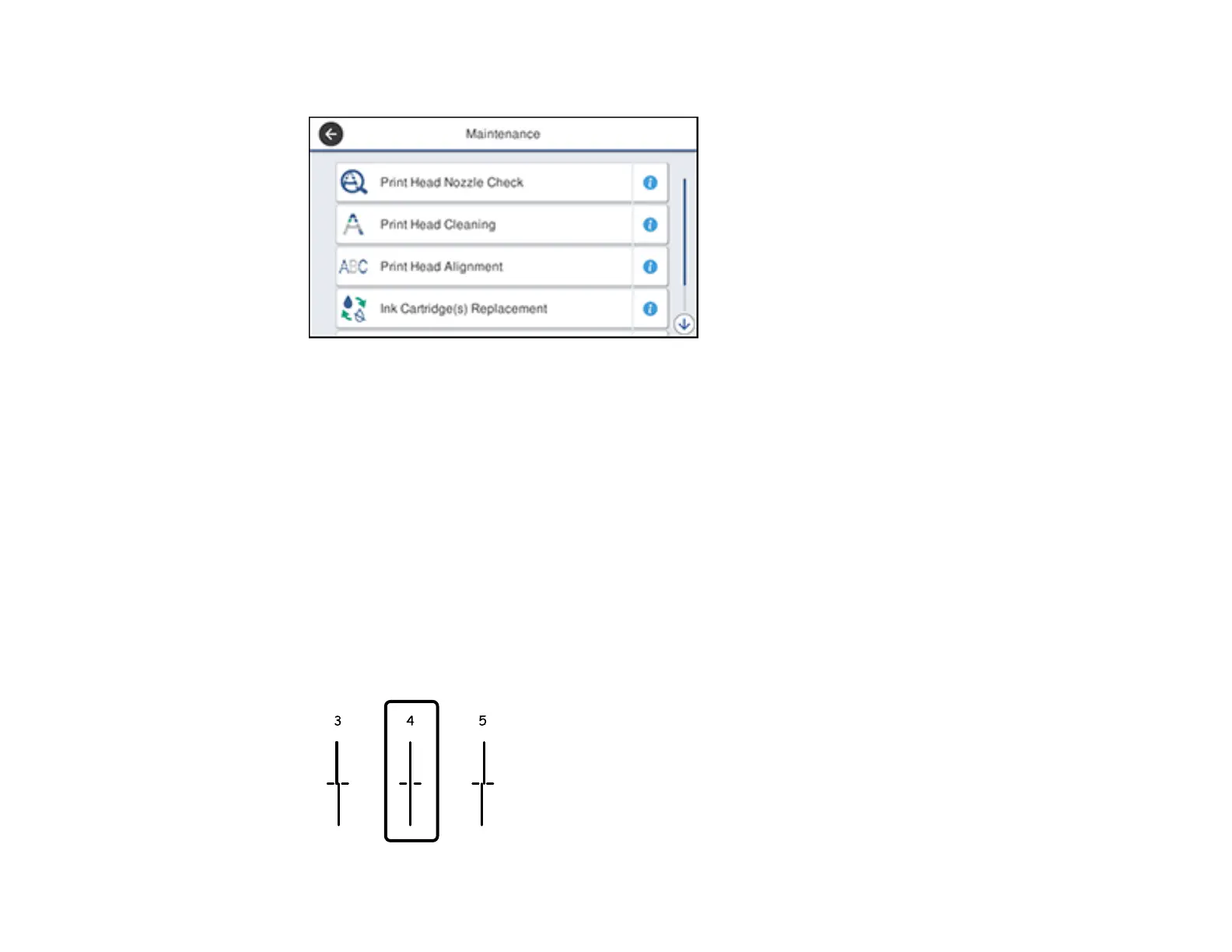
You see a screen like this:
5. Select Print Head Alignment .
6. Select one of the following options:
• Ruled Line Alignment if vertical lines in your printout are misaligned.
• Vertical Alignment if your printout is blurry.
• Horizontal Alignment if your printout contains horizontal banding.
7. Follow the on-screen instructions to print an alignment sheet.
Note: Do not cancel printing while you are printing head alignment patterns.
8. Check the printed patterns on the alignment sheet and select the following on the LCD screen,
depending on the alignment pattern you printed:
• Ruled Line Alignment: For patterns 1 and 2, select the number representing the pattern with the
least misaligned vertical line.












 To Next Page