103
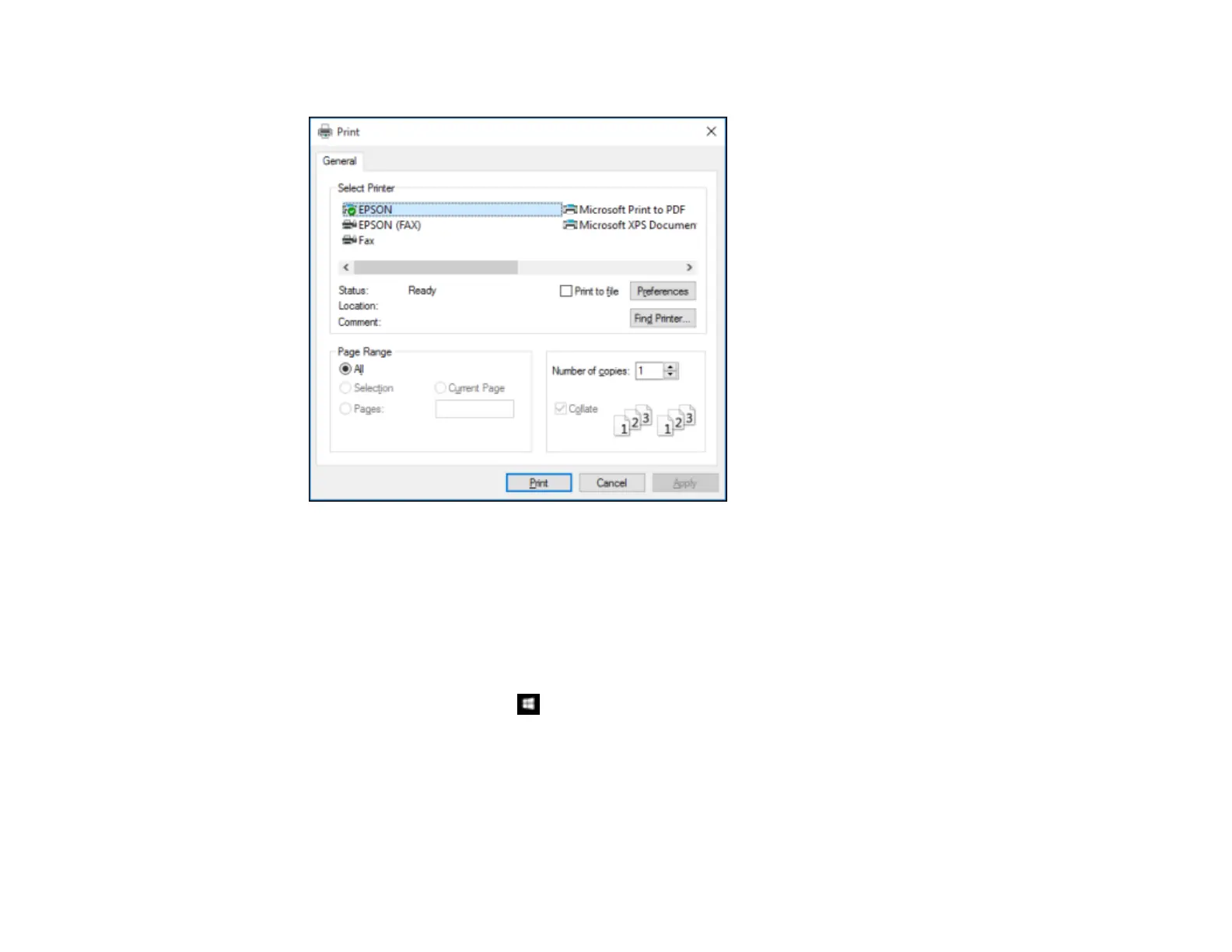
You see your application's Print window, such as this one:
2. Click OK or Print to start printing.
Parent topic: Printing with Windows
Locking Printer Settings - Windows
Administrators can lock some printer settings to prevent unauthorized changes.
1. Do one of the following:
• Windows 10: Right-click and select Control Panel > Hardware and Sound > Devices and
Printers. Right-click your product name and select Printer properties.
• Windows 8.x: Navigate to the Apps screen and select Control Panel > Hardware and Sound >
Devices and Printers. Right-click your product and select Printer properties.












 To Next Page