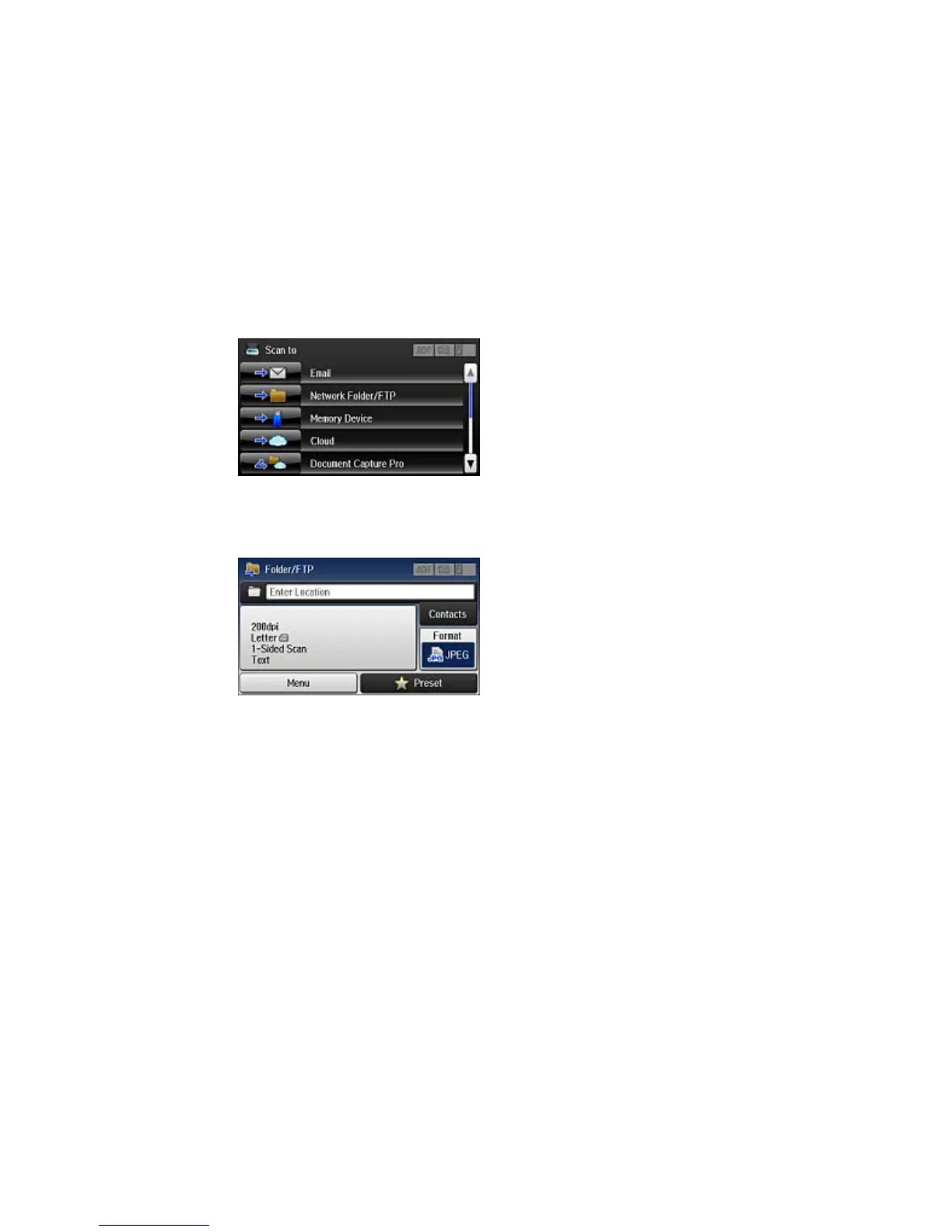
You see a screen like this:
4. Select Network Folder/FTP.
You see a screen like this:
5. Do one of the following to select a folder or FTP location:
• Select Contacts and choose a saved location in your contact list.
• Select Enter Location, then select the Communication Mode, Location, and other settings.
Note: Enter the folder path name for the Location setting in one of the following formats,,
depending on the Communication Mode setting you selected:
• SMB: \\host name\folder
• FTP: ftp://host name/folder name
6. Select Format to choose the file format for your scan.



 To Next Page