213
6. Select Close.
7. Enter the fax number you expect to receive the fax from.
Note: If direct dialing has been restricted, you can only select the number from the contact list or fax
history.
8. Select Polling Rec to start receiving the fax.
Parent topic: Receiving Faxes
Viewing a Fax on the LCD Screen (Using the Inbox)
You can save received faxes in your product's memory and view them on the LCD screen.
1. Press the home button, if necessary.
2. Select Settings.
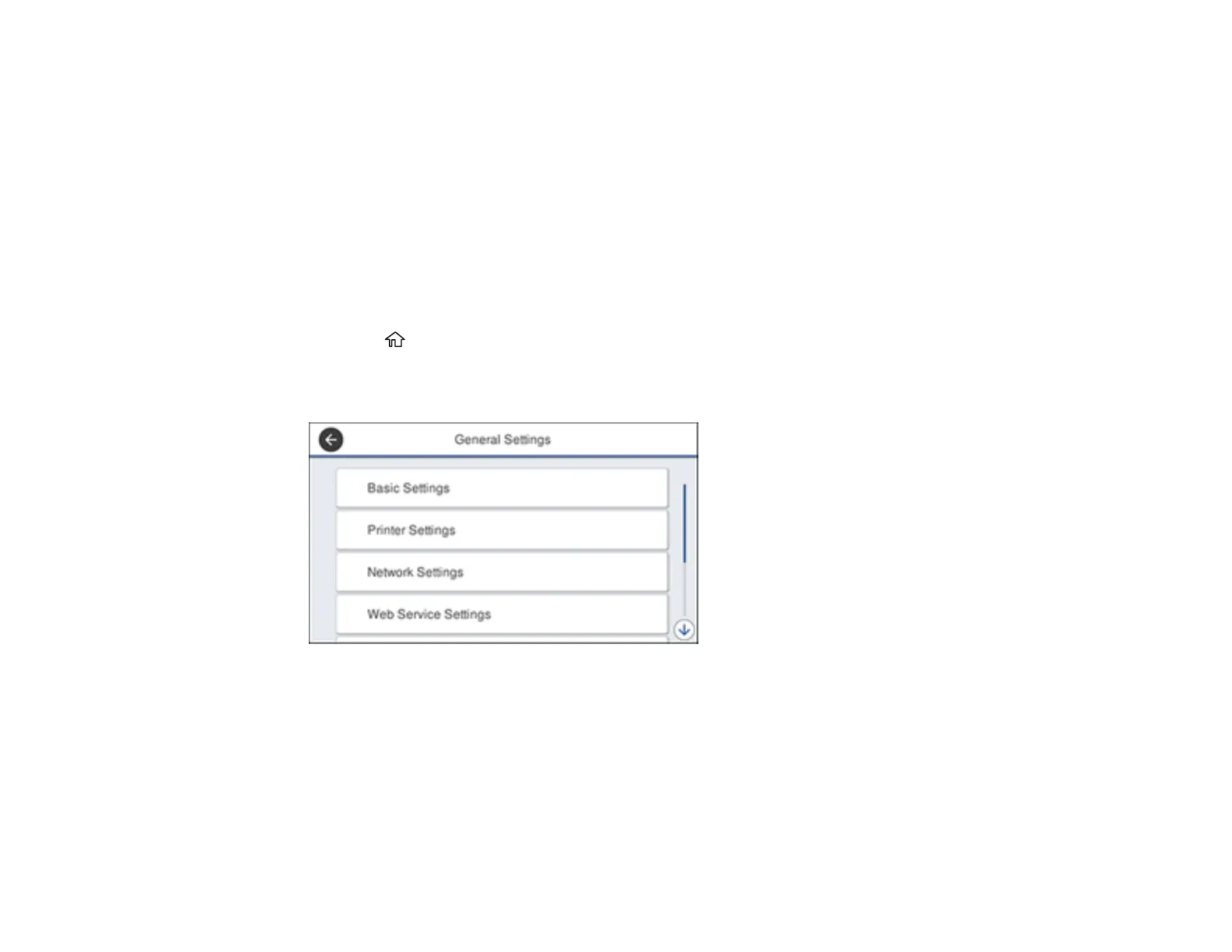
3. Select General Settings.
4. Scroll down and select Fax Settings.
5. Select Receive Settings.












 To Next Page