32
Changing the Sleep Timer Settings
You can adjust the time period before your product enters sleep mode and turns off the LCD screen.
1. Press the home button, if necessary.
2. Select Settings.
3. Select General Settings.
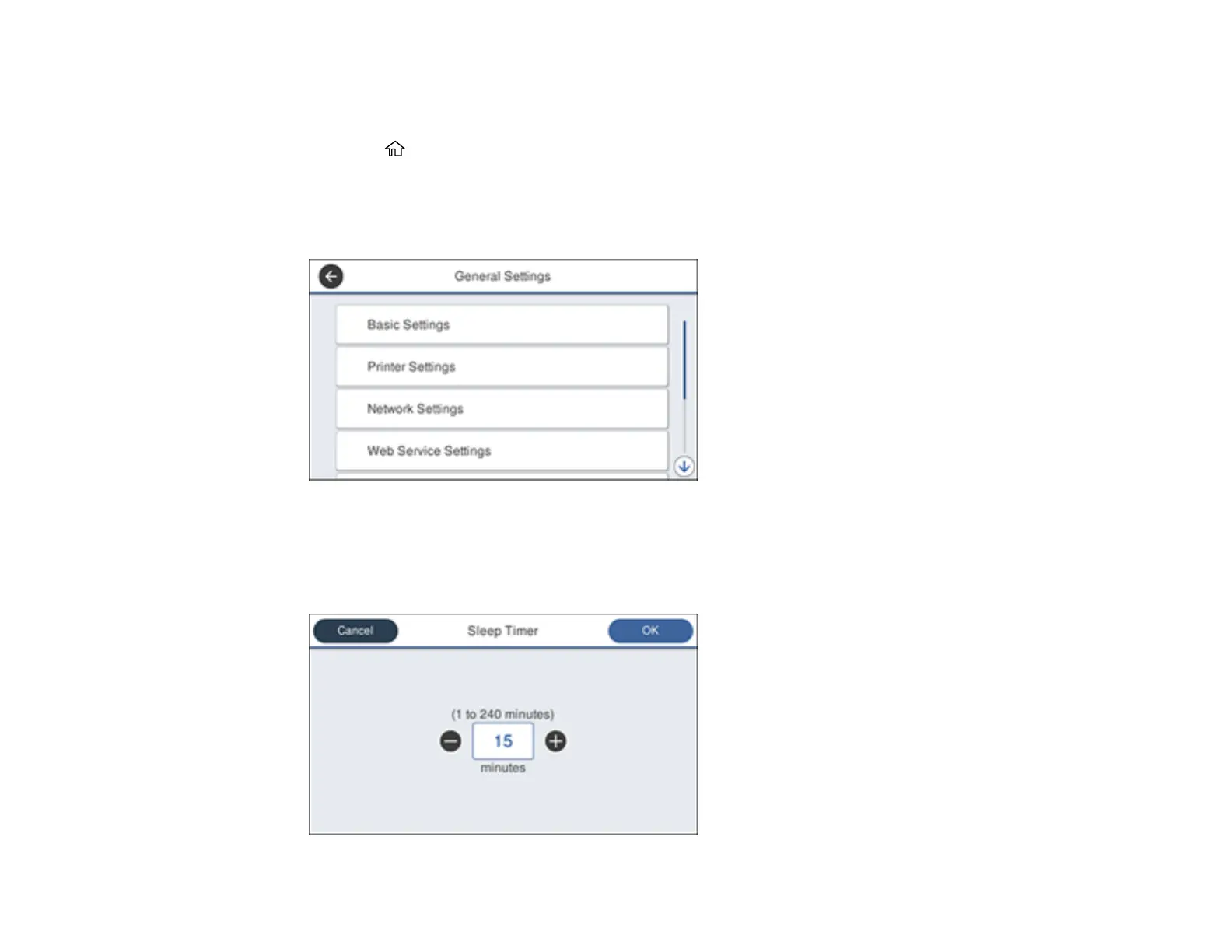
You see a screen like this:
4. Select Basic Settings.
5. Select Sleep Timer.
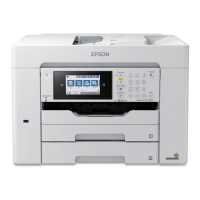
You see a screen like this:













 To Next Page