60
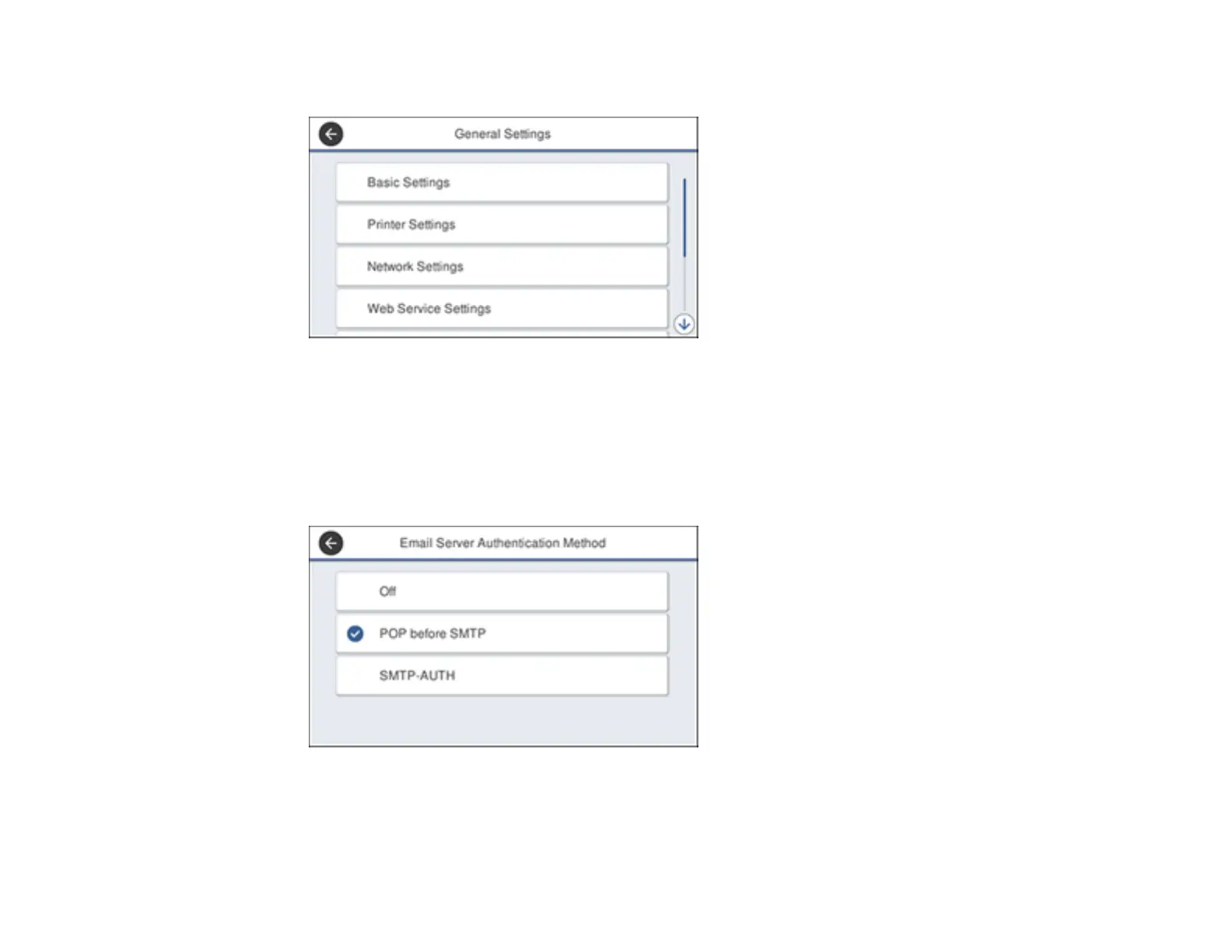
You see a screen like this:
4. Select Network Settings.
5. Scroll down and select Advanced.
6. Select Email Server.
7. Select Server Settings.
You see a screen like this:
8. Select one of the options shown above, then select the settings you want to use. Contact your
internet service provider if necessary to confirm the authentication method for the email server.












 To Next Page