46
Wired (Ethernet) Network Setup
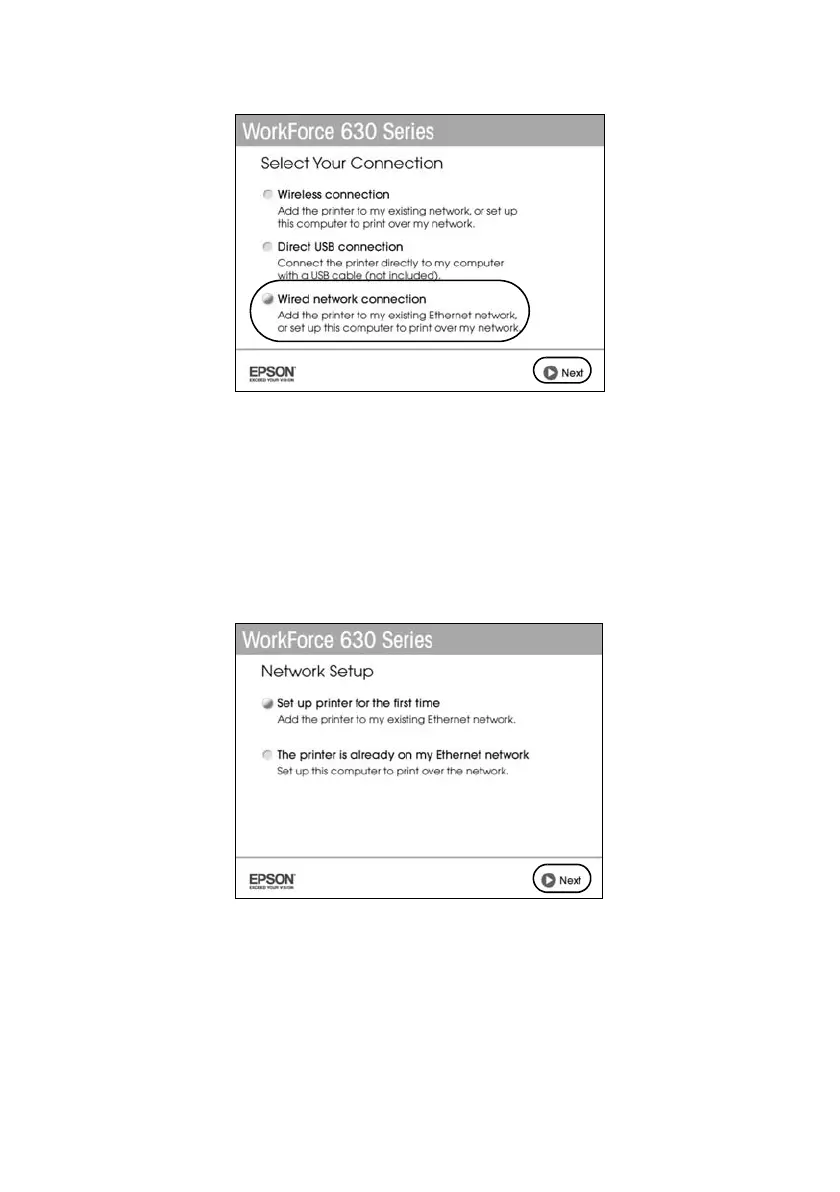
5. When you see this screen, select
Wired network connection
and click
Next
.
6. When you see this screen, do one of the following:
■ For a first-time installation, choose
Set up printer for the first time
,
then click
Next
.
■ If the printer has already been set up for network printing and you want
to be able to print from an additional computer, choose
The printer is
already on my Ethernet network
, then click
Next
.













 To Next Page