Wired (Ethernet) Network Setup
47
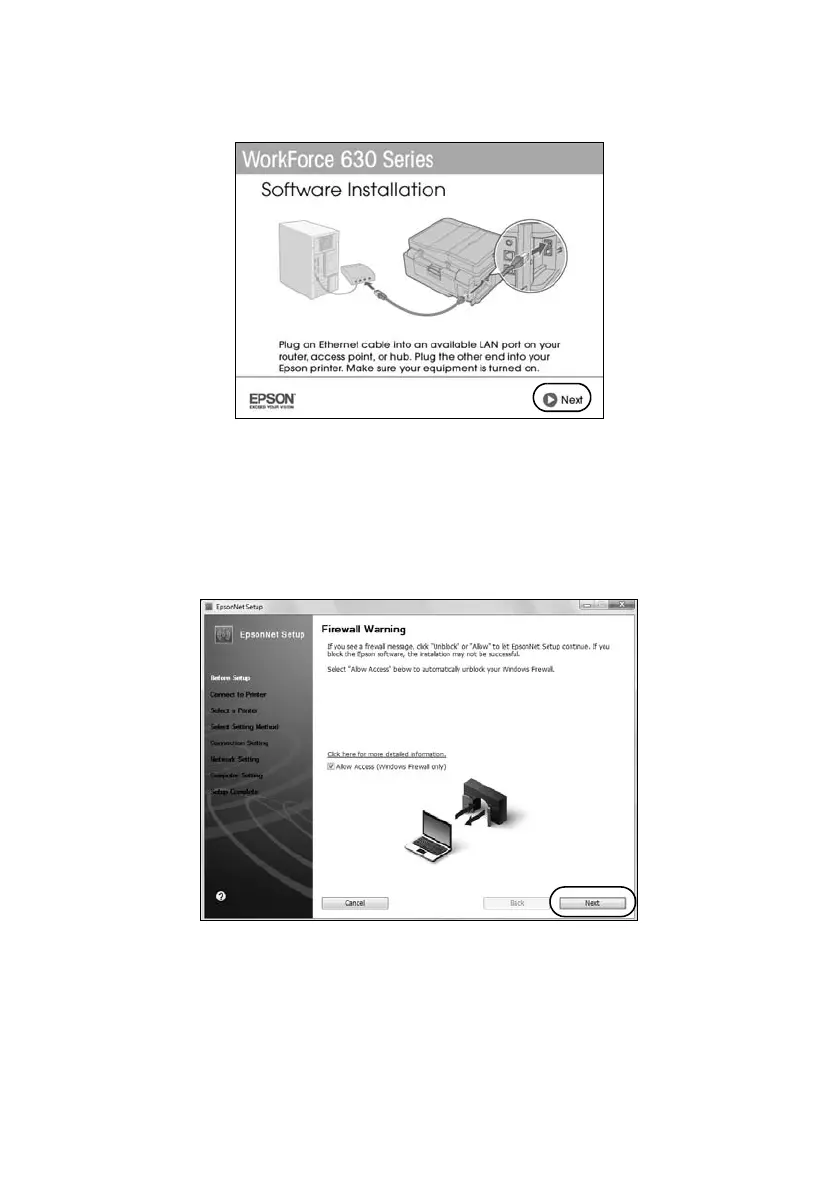
7. For first-time installation only: Connect the product to your router, access
point, or hub with an Ethernet network cable, then click
Next
.
8. Mac OS X 10.6: Skip to step 15 on page 48.
9. Wait while the software is installed, then click
Next
to start network
installation.
10. When you see the Firewall Warning screen, click
Next
.
Note:
If you see a firewall alert message, click Unblock or Allow to let EpsonNet Setup
continue. Do not select Ask Me Later, Keep Blocking, or Block.













 To Next Page